Teacher Makers
Options on this page allow teachers to create their own content.

Word Search, Secret Code, ABC Order, and Word Scramble Generator!
Description: Create custom classroom worksheets in seconds with the Printable Word Puzzle Generator! Simply enter up to 30 words or phrases and choose from Word Search, Word Scramble, Secret Code, or ABC Order to instantly generate professional, printer-friendly activities with separate teacher answer keys. Adjustable difficulty levels, browser-based word list saving, and PDF-ready layouts make it easy to create engaging vocabulary, spelling, science, social studies, math, and review activities for any grade level—all without registration or special software.
The Great Online/Offline Word Problem Generator
Description: This interactive Word Problem Generator lets teachers create customized math practice for students in grades 1–6. Choose one- or two-step problems covering addition, subtraction, multiplication, division, fractions, decimals, measurement, temperature, area, perimeter, and more. Students can solve problems online with narration, scratch-work tools, instant feedback, and performance tracking, or teachers can create printable assignments with a separate answer key.

Create Your Own Rebus Puzzle!
Description: Put your brain to the test with the Rebus Puzzle Worksheet Generator! Students use visual clues, word placement, pictures, and letter patterns to solve familiar words and phrases. Teachers can instantly generate randomized worksheets or choose specific rebus puzzles from the library to create their own custom activity. Perfect for critical thinking, morning work, brain breaks, early finishers, and classroom fun!
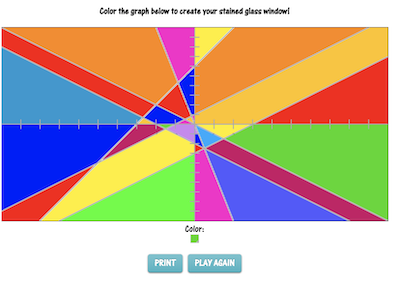
Latitude and Longitude Practice Sheet Generator
Description: This awesome teacher tool allows for the creation of limited practice sheets reinforcing latitude and longitude. Simply set preferences and create worksheets that require students to identify the coordinates of up to ten different points on the map.
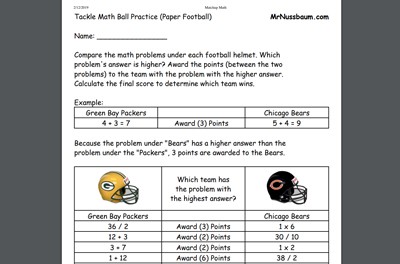
Math Matchup Generator
Description: This awesome, customizable worksheet makers allows teachers to print simulated NFL matchups (such as the Steelers vs the Ravens or any two teams) that require students to use their math skills to find out the final score. Teachers can customize the operations, use multiple operations, apply grade-level appropriateness, among other things. Kids will love these! Perfect for weekend practice when your team is playing. This is mostly designed as a teacher tool to create activities for students. See instructional video for more information.
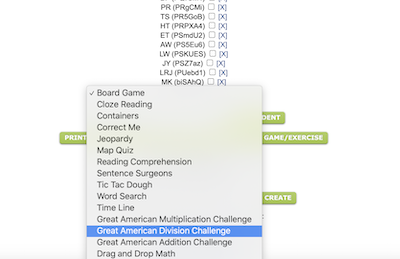
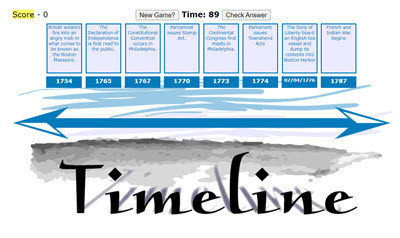
Make your own Timeline Game
Description: This activity allows teachers to make, save, and deploy timeline games to students. Simply fill in the forms, save the activity, copy the code, give it to students, and just like that, they can play the game you made. You can even copy games made by other teachers from the archive.
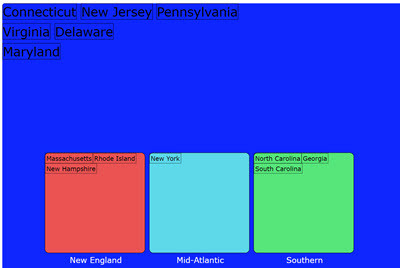
Make your own Containers Classification Exercise
Description: This activity allows teachers to make, save, and deploy containers activities to students. Container activities require students to drag and drop items to their correct categories. Simply fill in the forms, save the activity, copy the code, give it to students, and just like that, they can participate in the activity you made.. You can even copy games made by other teachers from the archive.
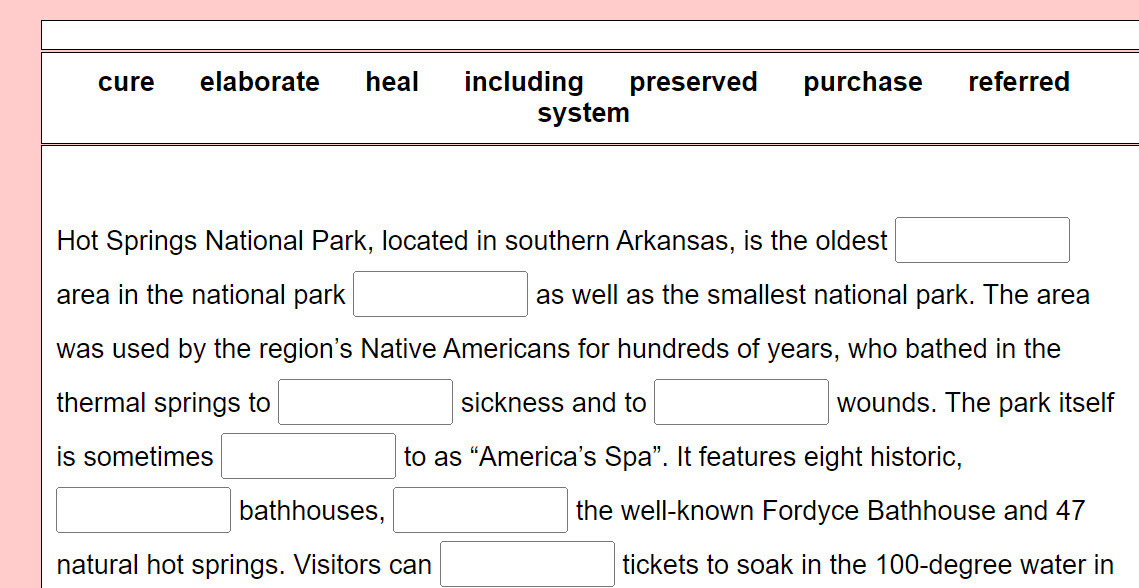
Make your own Cloze Reading Exercise
Description: This activity allows teachers to make, save, and deploy cloze reading activities to students. These are contextual vocabulary exercises where students must place the word from the word bank in the correct blanks in the paragraph. Simply fill in the forms, save the activity, copy the code, give it to students, and just like that, they can participate in the activity you made. You can even copy games made by other teachers from the archive.
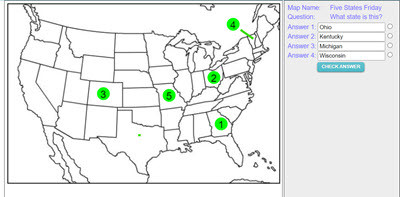
Make your own Map Assessment Exercise
Description: This activity allows teachers to make, save, and deploy interactive map quizzes to students. Choose and design any of 200 maps, then add interactive questions to the map. Save and name the map, copy the code, and distribute the code to students. Students click on the numbered circles on the map to access the questions. The system gives immediate feedback.
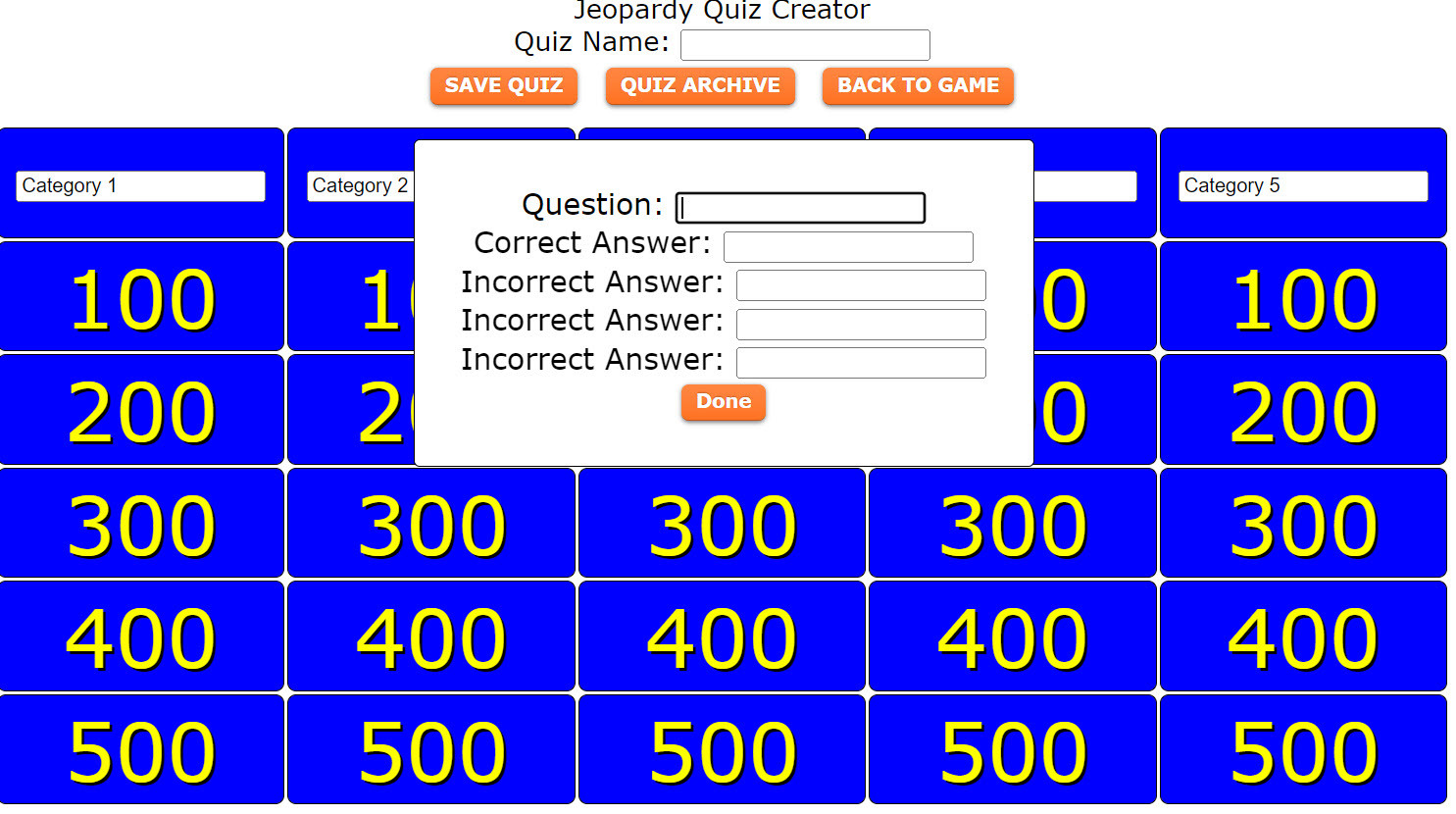
Make your own Not-Boring Jeopardy Game
Description: This activity allows teachers to make, save, and deploy Not-boring Jeopardy games to students. It takes some time to create, but when you see how it transforms the classroom with fun and suspense, it will be well worth it. Simply input categories, questions and answers, and save the game. Copy the code and distribute to students so they can play by themselves, or in a small group. You can also break the classroom into teams and play as a class. Check out the teacher archive to access pre-made games
Make your own Tic-Tac Dough Game
Description: This activity allows teachers to make, save, and deploy Tic Dac Tough games to students. It takes some time to create, but when you see how it transforms the classroom with fun and suspense, it will be well worth it. Simply input categories, questions and answers, and save the game. Copy the code and distribute to students so they can play by themselves, or in a small group. You can also break the classroom into teams and play as a class. Watch out for the Dragon! Check out the teacher archive to access pre-made games
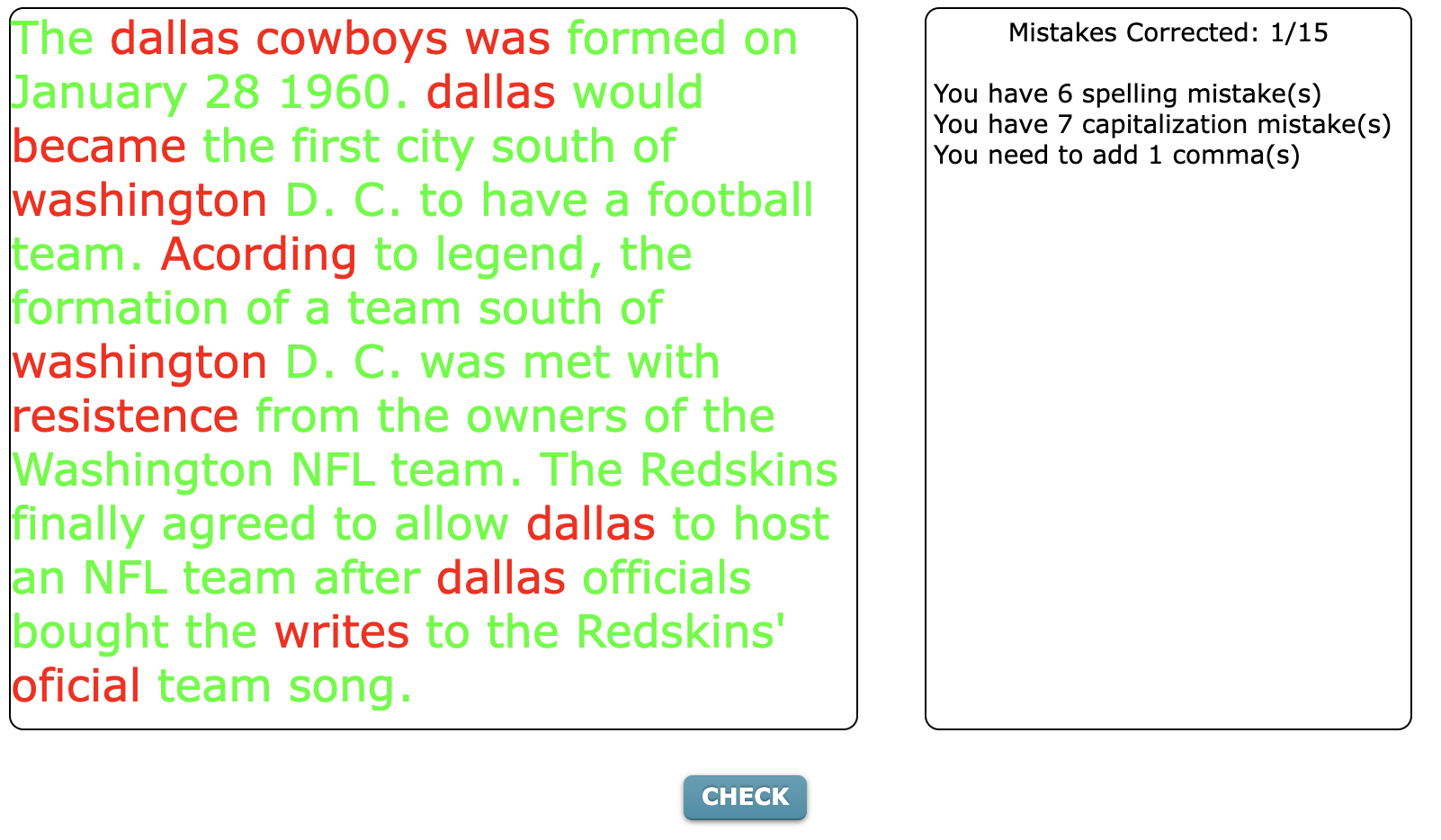
Make your own Sentence Surgeons Activity
Description: This activity allows teachers to make, save, and deploy Sentence Surgeons activities to students. Enter a corrected sentence or paragraph of text, and then create spelling, grammar, and punctuation errors in the text for students to correct. Simply input the texts and save. Copy the code and distribute to students. Check out the teacher archive to access pre-made games
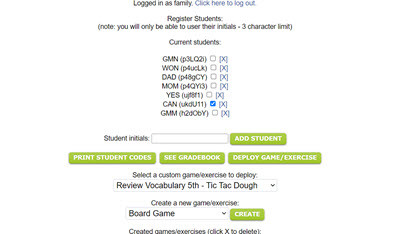
TEACHERS/PARENTS - Click here to create and manage your activities
Description: You can now use my "Makers" program to make, design, assign, and assess your own interactive activities using MrNussbaum.com activity templates. You can make reading comprehension activities, cloze reading activities, sentence surgeons, Not-Boring Jeopardy games, Tic-Tac Dough games, correct-me passages, containers (categorization) activities, timeline games, word searches, map assessments, and much more. These can be deployed to your students. Scores recorded in your gradebook.
STUDENTS - Click here to enter your activity code
Description: Click here to enter you code to access the activities from your teacher.
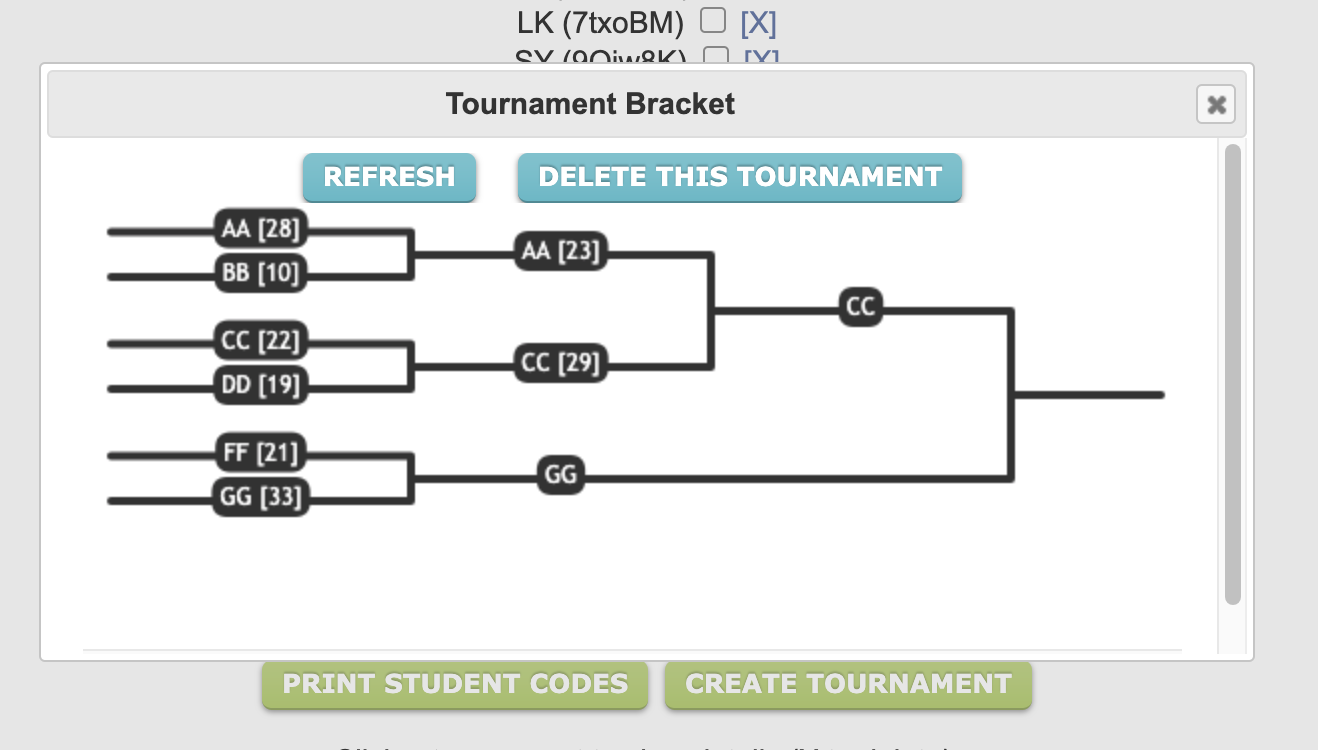
Introduction to Tournaments
Description: This page describes how teachers and students can use the new tournaments feature.
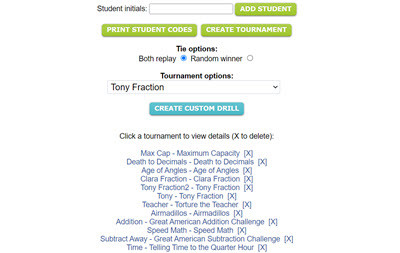
TEACHERS/PARENTS - Click here to create and manage your tournaments
Description: Teachers - Create dynamic, customizable tournaments using more than 20 different Mr. Nussbaum games, or hundreds of drill exercises, and watch your classroom transform into a main event. You can even use your own content. Tournaments are totally FREE to create and require only an email address and your name. Only student initials or three character codes are utilized. We do not collect student names or identifiable data.
STUDENTS - Click here to enter your tournament code and play
Description: Students enter their tournaments code here to play in tournaments and see the list of tournaments their teacher has created for them.
Advertisement