Math Simulators and Activity Generators
These are comprehensive programs in which students can generate and practice unlimited math problems using our drag and drop or interview-based systems. All are customizable and give immediate feedback.
Drag 'N' Drop Math - Online
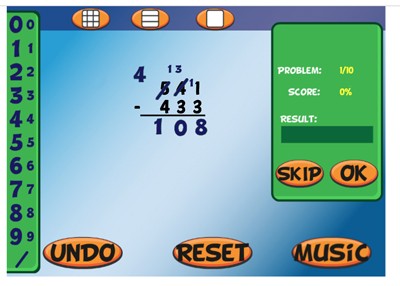
Description: Drag 'N' Drop Math is an online workshop in which students can easily complete multi-digit addition, subtraction (with regrouping), multiplication, and division problems, using big and small draggable numbers. The workshop is totally customizable and gives immediate feedback. This is one of the top ten most popular programs on mrnussbaum.com

Fraction Workshop - Online
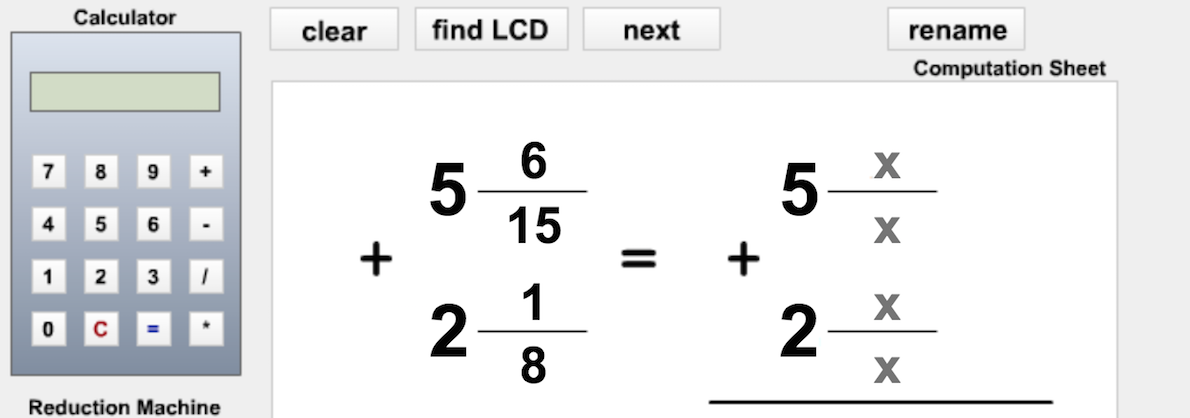
Description: NEW AND IMPROVED! Fraction Workshop is an amazing application that allows students to complete any kind of fraction operation in an online stage with tools to help them. Fraction workshop allows users to practice ordering, reducing, adding, subtracting, multiplying, and dividing fractions and mixed numbers. Our drag and drop system makes ordering and organizing numbers easy. Choose the number of problems to practice, the specific skill to practice and click “begin”. Work the problem on the stage and drag and drop the correct numbers to the answer box. The system will indicate immediately whether or not your answer is correct. Printout a score summary when you are finished. Students can use the calculator tool or the visualize tool to help them work on the problems. The visualize tool turns the particular math problem into a picture. This helps students to better “see” the problem.
Decimals Workshop - Online
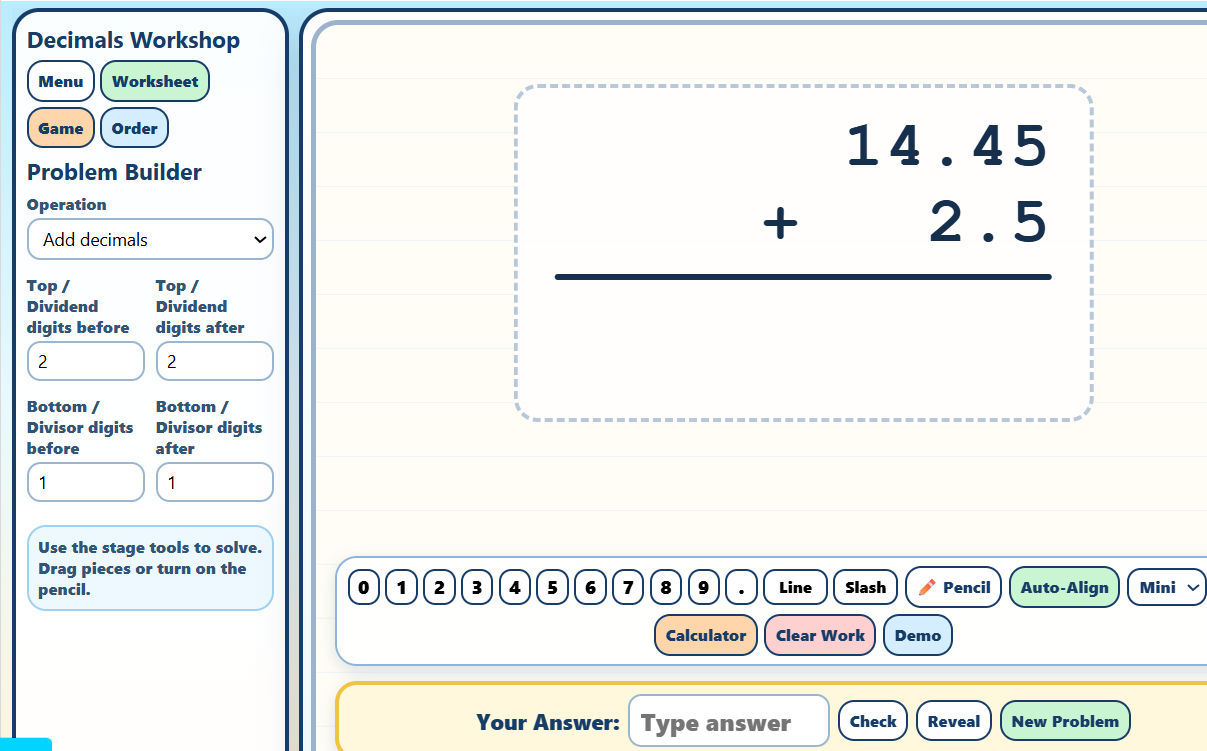
Description: Decimals Workshop is a fully interactive math learning environment where students build fluency with decimal operations through hands-on tools, guided demonstrations, printable worksheets, and arcade-style games. Students can add, subtract, multiply, and divide decimals using draggable number pieces, pencil tools, calculators, decimal-conversion helpers, and animated step-by-step demonstrations that explain each stage of the computation process. The workshop also includes specialized learning modes such as Ordering Decimals, Decimal ↔ Fraction matching activities, and the fast-paced Blast a Decimal game, where students identify and place decimal points in flying numbers for points, fireworks, and score reports. Designed with a colorful workshop-style interface and interactive stage, the program encourages visual understanding, problem solving, and computational confidence with decimals.

The Great Online/Offline Word Problem Generator
Description: This interactive Word Problem Generator lets teachers create customized math practice for students in grades 1–6. Choose one- or two-step problems covering addition, subtraction, multiplication, division, fractions, decimals, measurement, temperature, area, perimeter, and more. Students can solve problems online with narration, scratch-work tools, instant feedback, and performance tracking, or teachers can create printable assignments with a separate answer key.

Place Value Workshop - Online
Description: In Place Value Workshop, students can explore the concept of place value in three different ways. First, in the "play" mode, students have five minutes to construct as many numbers as possible using the online base-10 blocks. The game starts off using basic numbers but progresses into tens, hundreds, and even thousands. Points are determined by the size of the number constructed. In the practice mode, users build numbers in the same way as the play mode but without a timer or scoring. In the "build" mode, students can make place value pictures. As they add base ten blocks to their picture, they’ll see the value of their picture increase.

Time Workshop and Time Pigs!
Description: This awesome resource allows students to explore an interactive clock. Students can customize the clock, fonts, and practice identifying the time in different skill levels, or, setting the time by moving the hands. It covers elapsed time, and time zones also. finally, kids can play Time Pigs when they're done practicing
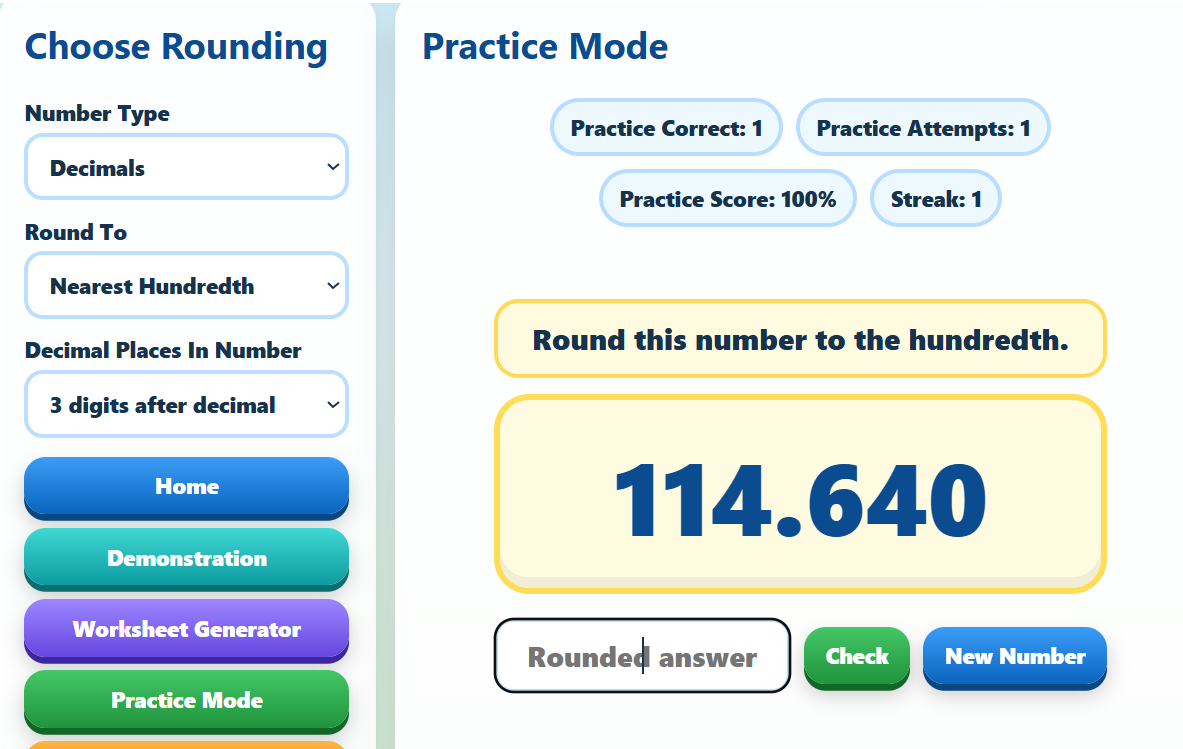
Rounding Workshop
Description: Rounding Workshop is an interactive math learning program that helps students master rounding whole numbers and decimals through engaging practice, animated demonstrations, games, and printable worksheets. Students can choose to round to places such as the nearest ten, hundred, thousand, tenth, hundredth, or thousandth while working with customizable number lengths and decimal precision. The workshop includes Practice Mode for instant-feedback skill building, Demonstration Mode with animated step-by-step explanations, Round-About where students identify all numbers that round to a target value, Rounder the Frog in which players guide a frog across ponds by choosing correct rounding answers on lily pads, and a Worksheet Generator that creates printable PDF practice pages and answer sheets for classroom use.

Shapes Workshop
Description: Shapes Workshop is an interactive geometry learning program for students in grades 4–7 that combines hands-on exploration, visual demonstrations, creative design tools, and printable practice activities. Students can solve geometry problems involving area, perimeter, circumference, surface area, and volume using 2-D shapes and 3-D objects while viewing labeled diagrams, formulas, and guided demonstrations. The workshop also includes a virtual geoboard for building polygons with colorful rubber bands, a mirror shapes mode for exploring symmetry and reflections, drawing and shape-building tools, and a customizable worksheet generator that creates randomized printable practice pages with optional word problems and answer keys.
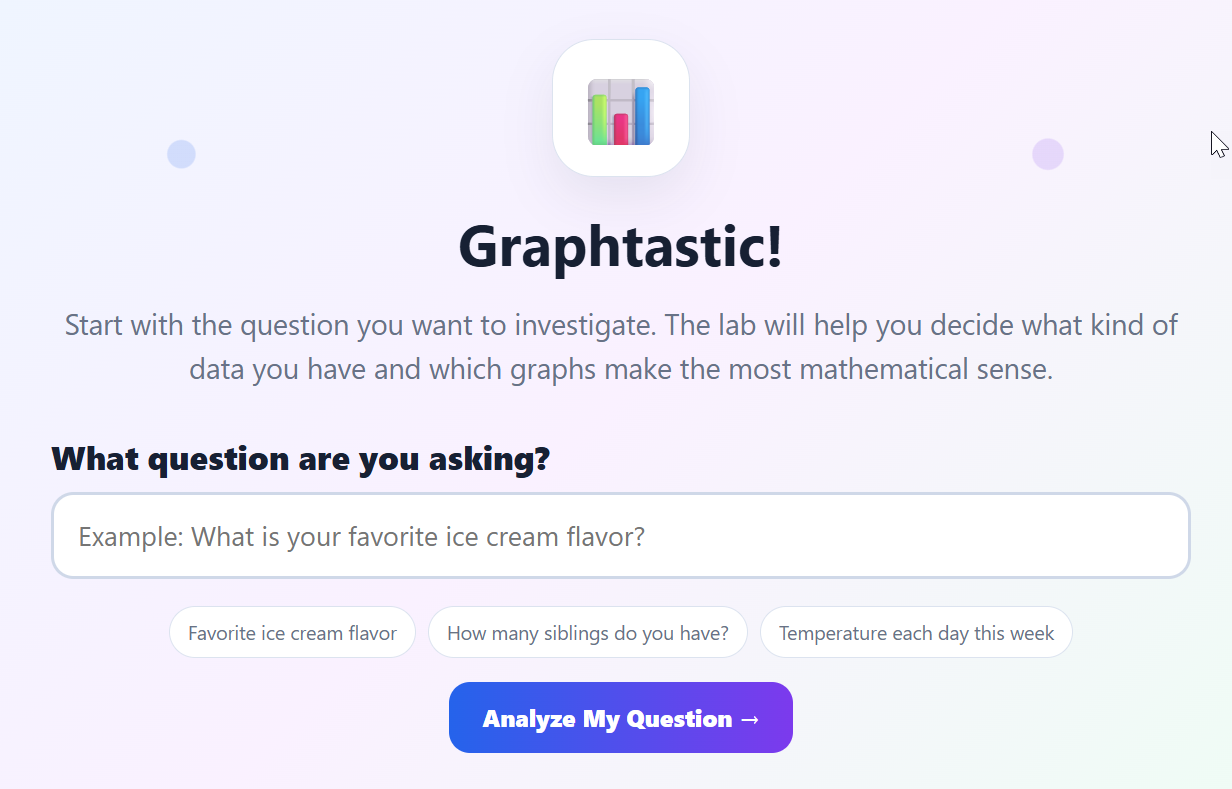
Graphtastic - Graphing Workshop
Description: Graphtastic! is an interactive graphing tool that helps students turn real survey data into colorful, easy-to-read graphs. Students choose the type of data they are collecting, enter their results, create the most appropriate graphs, and answer automatically generated questions that build graph-reading and data-analysis skills.
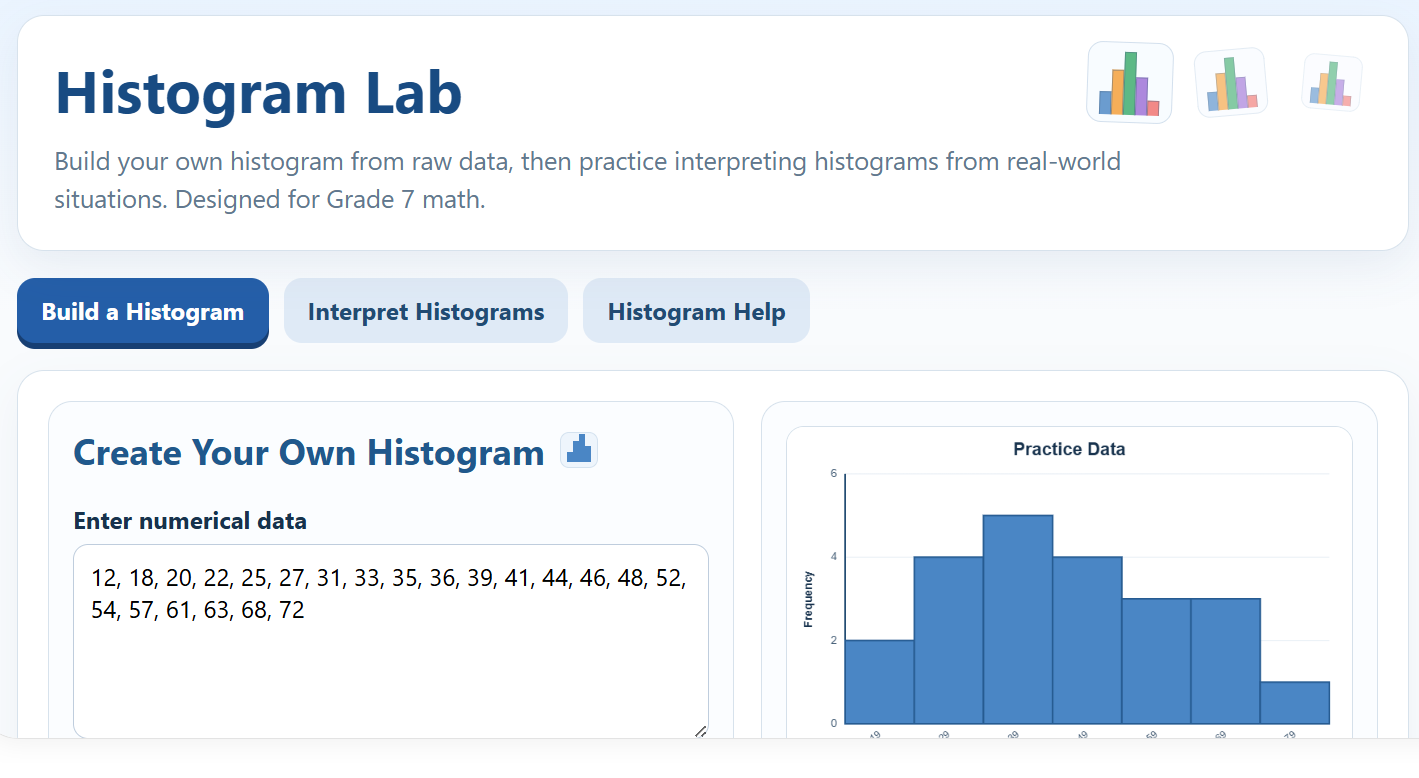
Histogram Lab
Description: Histogram Lab is an interactive Grade 7 math activity that helps students build, read, and interpret histograms. Students can create and print their own histograms using custom data or complete engaging 10-question challenges featuring real-world data. Questions include interpreting intervals and frequencies, identifying statements that must be true, and selecting the histogram that correctly represents a data set. Detailed score reports provide immediate feedback and help students identify skills that need more practice.

Coordinate Grid Workshop
Description: The Coordinate Grid Workshop is an interactive HTML learning program that helps students practice coordinate graphing skills through engaging activities, animated demonstrations, and printable worksheets. Students can generate customizable coordinate grids with different axis ranges, symbol themes, and quadrants, then practice identifying ordered pairs, plotting coordinates, finding slope, and graphing linear equations. The workshop includes step-by-step animated demonstrations, mystery picture reveal activities, graphing practice with instant feedback, score tracking, and printable classroom worksheets with coordinate grids for independent practice.
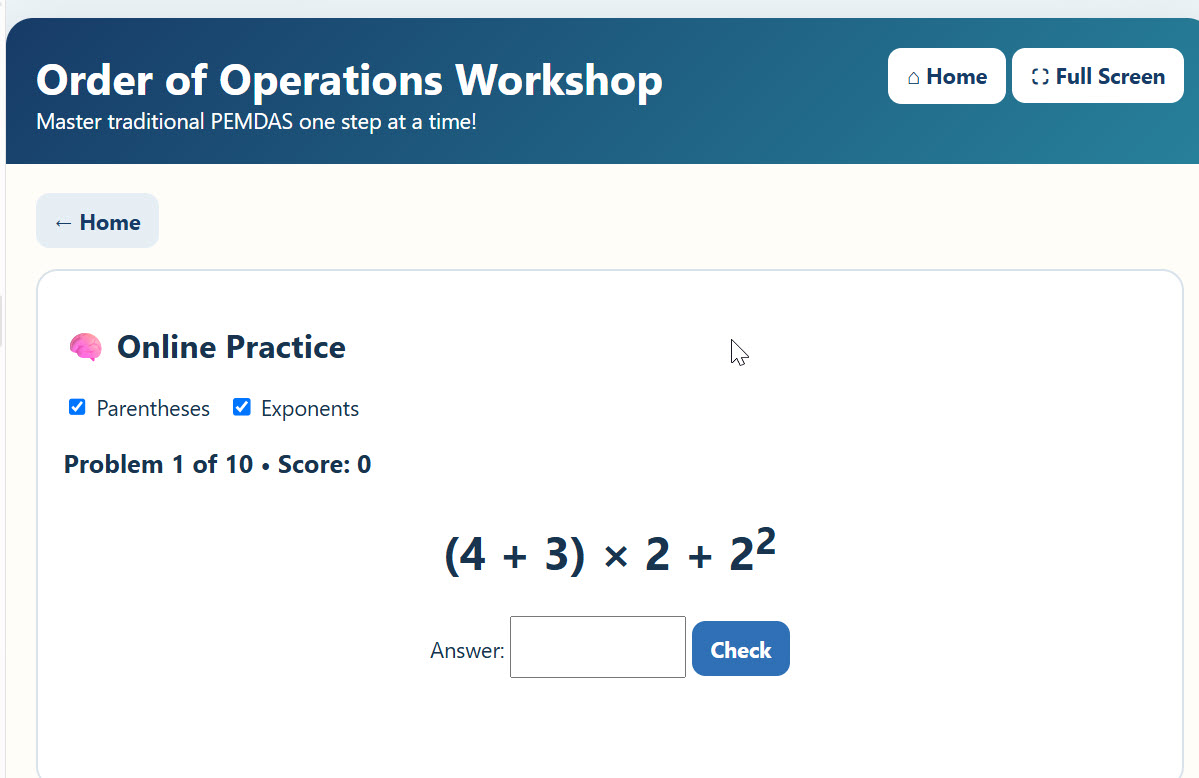
PEMDAS Pal with Your Dear Aunt Sally - Order of Operations Workshop
Description: Master the Order of Operations (PEMDAS) with this interactive math workshop! Students explore animated step-by-step demonstrations, practice solving expressions at multiple difficulty levels, complete printable activities, and diagnose incorrect solutions in the fun Dr. OOO game. Options for parentheses and exponents make it easy to adjust the challenge as students build confidence.
Central Tendency Workshop
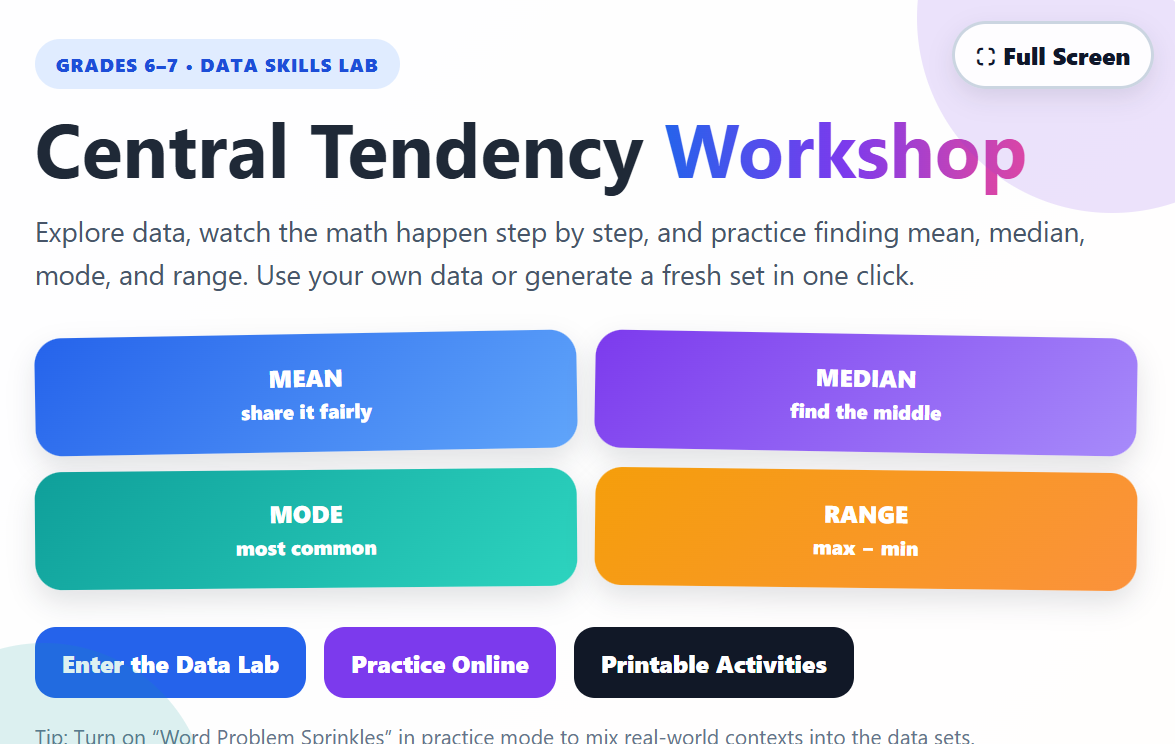
Description: Central Tendency Workshop is an interactive math tool that helps students master mean, median, mode, and range. Students can explore animated step-by-step demonstrations, analyze their own or randomly generated data sets, rearrange numbers, use a digital scratch pad, and complete practice activities with instant feedback. Teachers can customize and print worksheets with separate answer keys, making it ideal for classroom practice, review, or independent learning.

Geometric Transformations Workshop
Description: This interactive Coordinate Plane Transformations Lab helps middle school students explore translations, reflections, rotations, and dilations on a coordinate plane. Students can practice transforming shapes, complete interactive quizzes, and watch step-by-step animated demonstrations that explain how each transformation changes coordinates. The activity includes guided learning tools, immediate feedback, and a downloadable week-long lesson plan aligned to Common Core standards, making it ideal for classroom instruction, independent practice, or review.

Operations with Negative (and Positive) Numbers Workshop
Description: Explore positive and negative numbers with this interactive math lab! Students can practice adding, subtracting, multiplying, and dividing integers using animated models, number lines, instant feedback, and printable activities. Then put those skills to the test with Answerpillar, a fast-paced game where students guide a growing caterpillar to catch falling integer problems with the correct answer segment. Great for building confidence with integer operations through visual learning, practice, and play!
Interactive Thermometer and Word Problem Generator
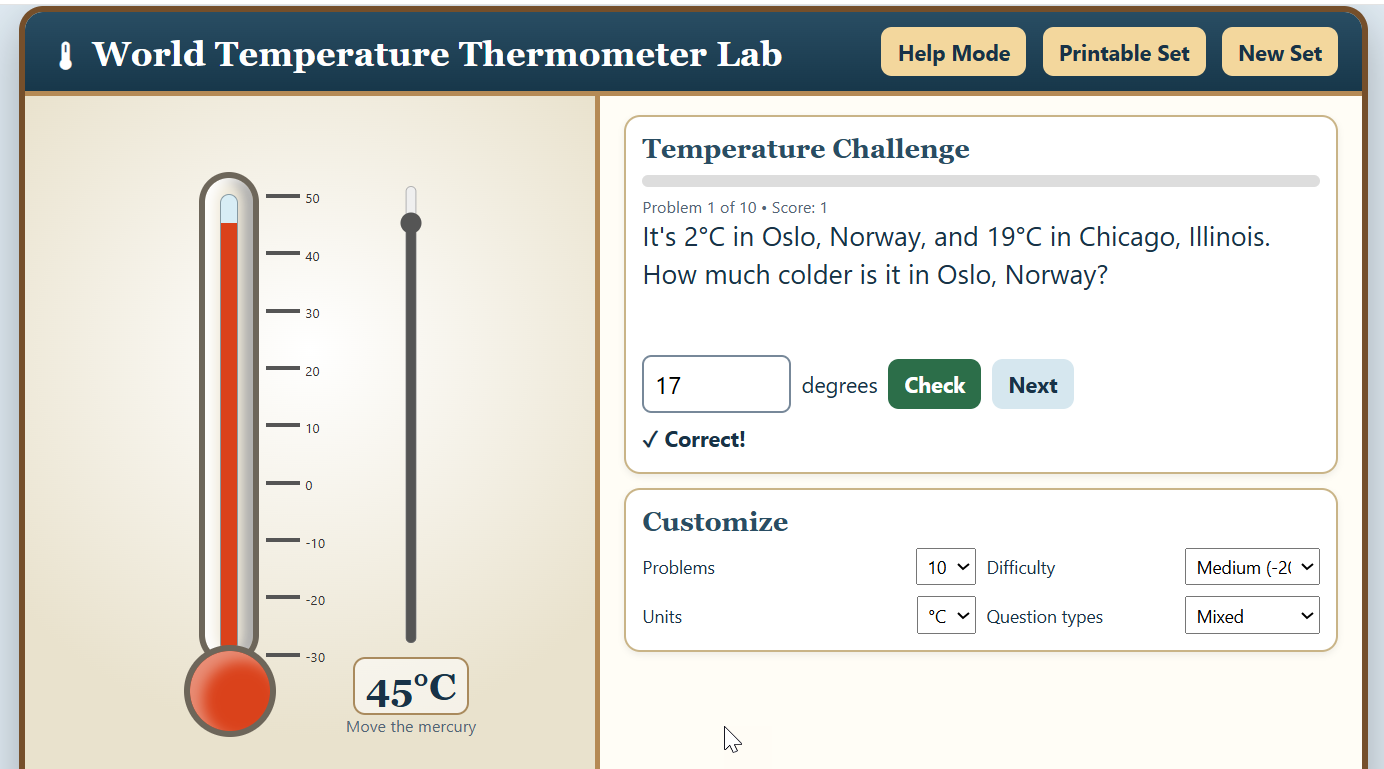
Description: The World Temperature Thermometer Lab helps students practice subtracting and comparing positive and negative temperatures using real-world locations. Students solve randomized problems with an adjustable, color-changing thermometer, while Help Mode provides visual guidance and matching math equations. Teachers can customize difficulty and problem types or generate printable worksheets with thermometer diagrams.
The Blender - Combining Like Terms Workshop
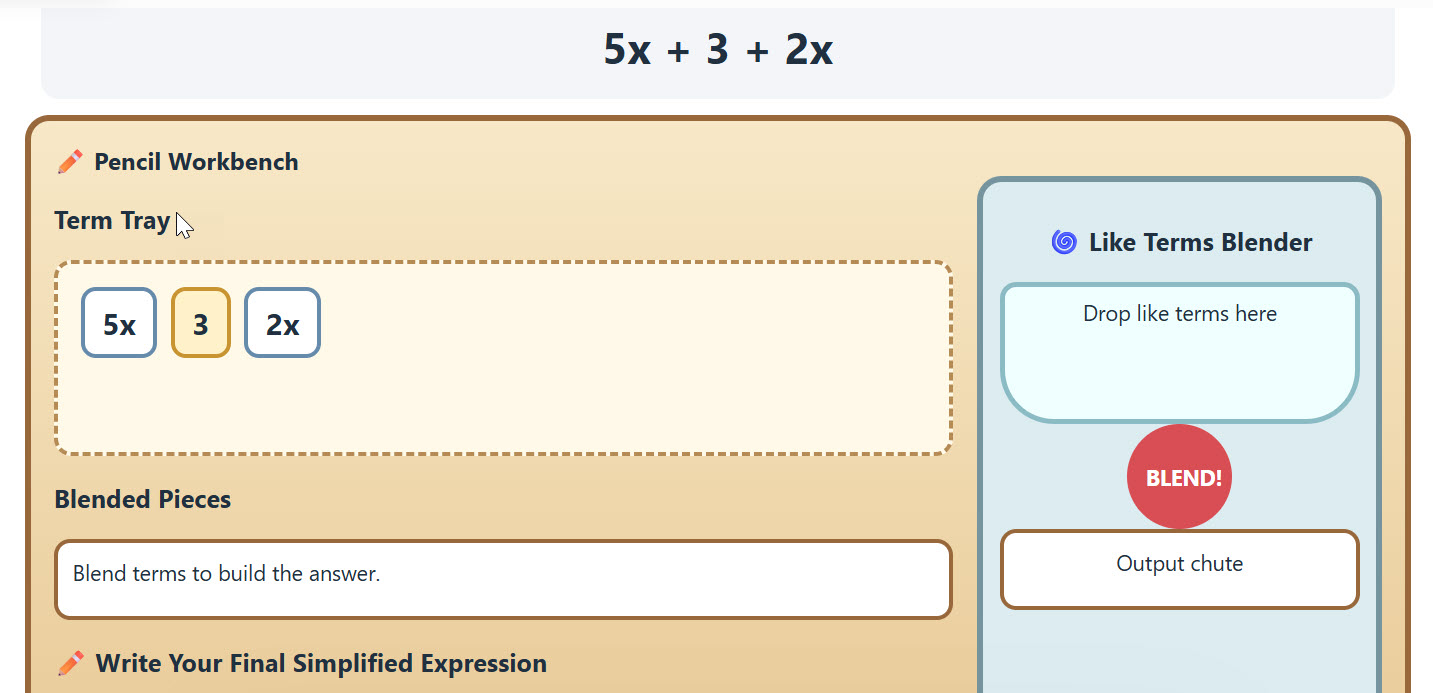
Description: combining like terms workshop Build confidence with algebra in this interactive Combining Like Terms & Simplifying Expressions Workshop! Students explore step-by-step demonstrations, practice combining terms with one or multiple variables, use the distributive property, substitute values, and simplify increasingly challenging expressions. The hands-on Like Terms Blender lets students drag matching terms together and watch them combine, while multiple difficulty levels, online practice, instant feedback, and printable worksheets with answer keys make the workshop perfect for classroom practice and review.
Ordering and Converting Decimals, Fractions, and Percentages Workshop
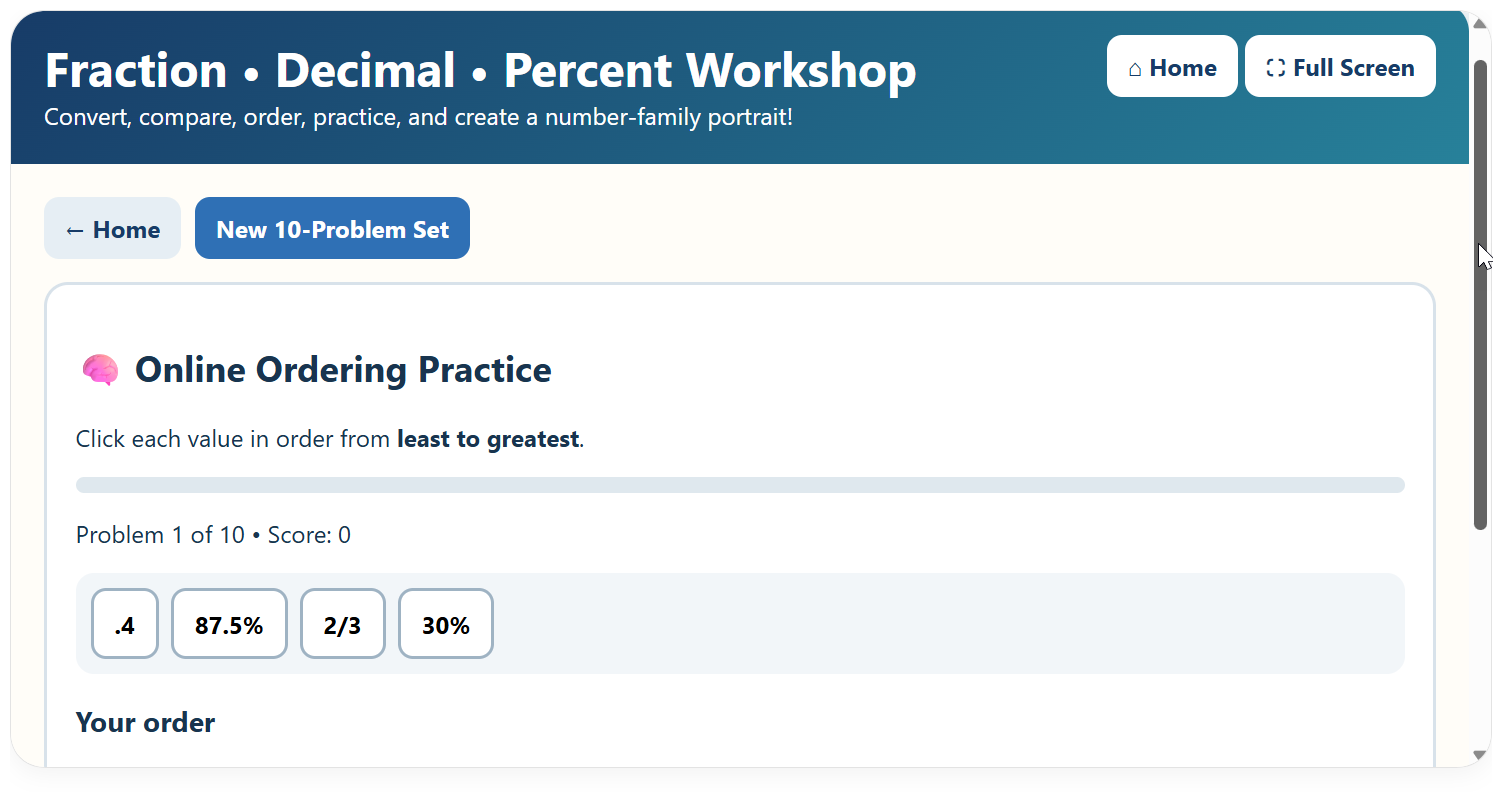
Description: Build confidence with fractions, decimals, and percentages in this interactive math workshop! Students learn how to convert between all three forms, practice ordering mixed values, place numbers on an interactive number line, and complete printable activities with answer keys. Then, students can play the Family Portrait Challenge, arranging increasingly difficult number families from least to greatest to take their portraits. Successfully photograph 10 families to win the game and print a collection of the completed family portraits!
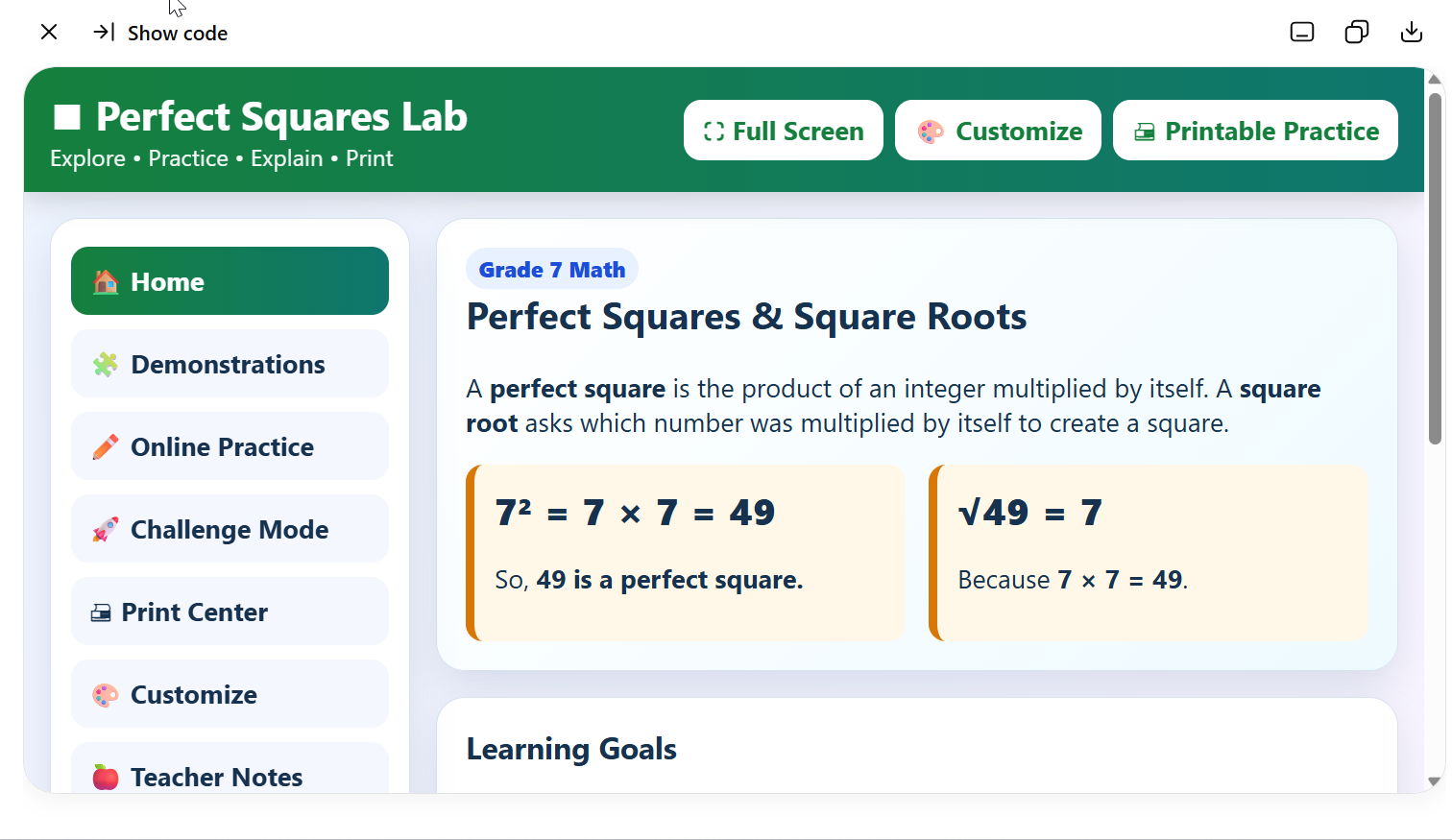
Perfect Squares Workshop
Description: Perfect Squares Lab is a colorful, interactive math activity designed for seventh-grade students to explore perfect squares and square roots. Students can view visual demonstrations, complete self-checking online practice and challenges, receive detailed explanations, and generate printable worksheets with separate answer keys. The app also includes fullscreen mode and customizable colors and text sizes, making it perfect for classroom instruction or independent practice.
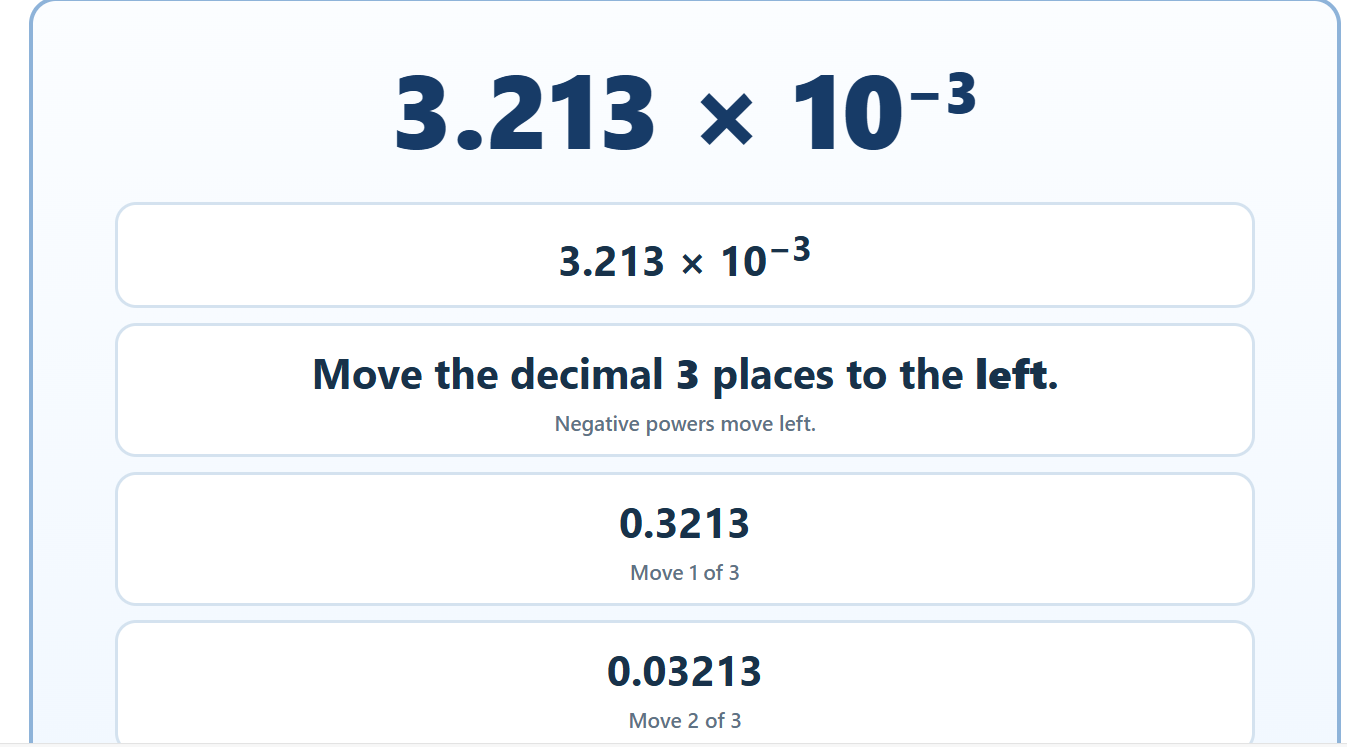
Powers and Notation Workshop
Description: Explore exponents and scientific notation with this interactive math lab! Students can investigate positive and negative exponents, zero exponents, powers of 10, scientific notation, standard notation, and expanded notation through animated demonstrations and guided examples. Students can then test their skills with online practice, least-to-greatest challenges, and randomized power tables, all featuring immediate feedback and explanations. The lab also generates printable practice sets with separate answer keys, making it great for classroom instruction, independent practice, review, or homework.
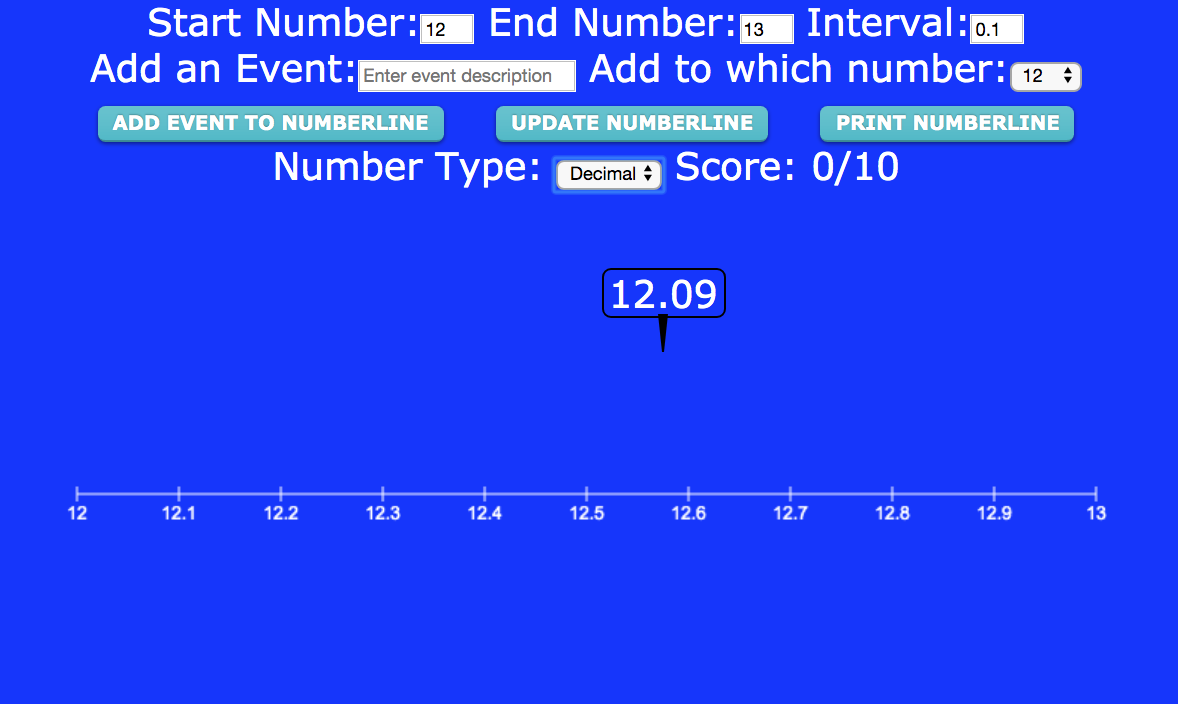
Number Line Workshop
Description: This awesome workshop enables students to practice number sense with a customizable number line that has options for whole numbers, fractions, and decimals Set the parameters and students must drag the random numbers, decimals, or fractions that appear . It can also function as a timeline maker!
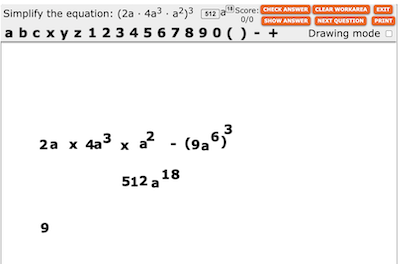
Exponents Workshop - Online or Printable
Description: Exponents Workshop is perfect for kids just learning the meaning of exponents, or, for algebra students learning how to simply complex expressions involving exponents. Students can generate unlimited online problems (basic or complex) and use the drag and drop workspace to solve them. Students or teachers can even print out worksheets complete with answer sheets.
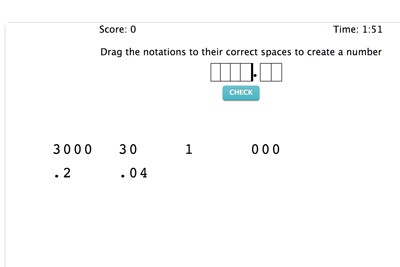
Expanded Notation Workshop
Description: This fun workshop allows students to practice the concept of standard notation. It is completely customizable and students can choose from demonstration mode or play mode. You can include or exclude decimals.
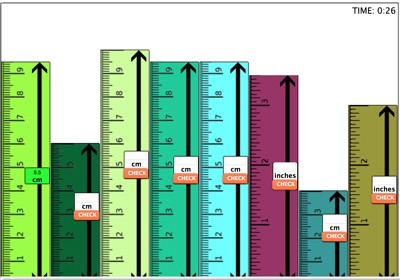
Measurement Workshop - Online
Description: Measurement Workshop is a great program for learners of all grade levels. In the "build" mode, users build cities out of metric or imperial (standard) rulers which can be resized, colored, and dragged around the stage to form a ruler city. In this mode, users can compare the relationship between inches and centimeters. In the "play mode" the city is randomly formed by the program and users must determine each building’s length in inches or centimeters. Users can choose from four different measurement skill levels: Whole Numbers (where "buildings" measure in inches or centimeters to whole numbers), whole numbers and halves (where "buildings" measure in inches or centimeters to whole numbers or whole numbers and halves, decimals (where "buildings" measure in inches or centimeters to decimals) and fractions (where "buildings" measure in inches or centimeters to fractions.)
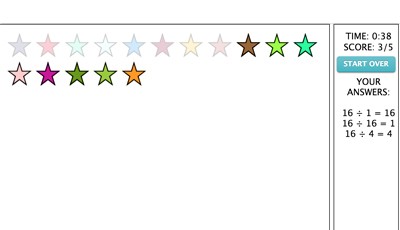
Envision Division - Online
Description: This program will help you to envision the concept of division. Choose a number and make as many division problems as possible from that number. Use the handy draw tool to make groups from stars. For example, if you were to choose 16, you would see 16 stars on the stage. Simply draw circles around four groups of four stars to make the problem 16 (divided by symbol) 4 = 4. See how long it takes you to divide 16 by as many numbers as possible that divide evenly. Print out your certificate when you are done. Watch the instructional video for more information.

Decimals, Fractions, and Percentage Chart - Interactive
Description: This interactive chart helps students practice converting between decimals, fractions, and percentages through timed exercises. Students receive instant feedback, visual previews, and hints to strengthen their understanding of number equivalence.
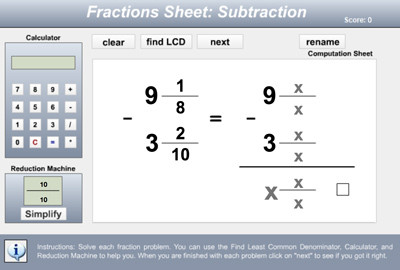
EZ Fractions - Adding, Subtracting, Multiplying, and Dividing Fractions
Description: EZ Fractions is a popular fractions workshop that allows students to perform operations with fractions in a simplified environment that assists them in renaming, reducing, cross-multiplying, or finding LCM and GCF. Customizable! This is similar to our Fraction Workshop, but some users like the format better.
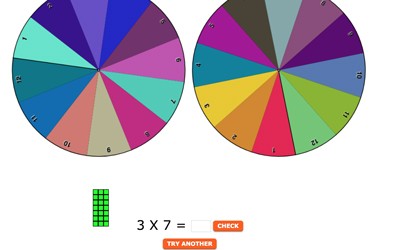
Math Machine - Visualizing Basic Operations
Description: Math Machine is a VISUAL tool for teaching addition, subtraction, multiplication, fractions, division, or place value. Students are empowered by spinning wheels that determine numbers in the problems! See instructional video for more information.
Advertisement