Phonics, Letters, and Word Games
This section contains numerous phonics-based games including the BDPQ Bandit, Sight Words and Sight Words Audible, Sound Garden, and many more. It also includes large sections on digraph crosswords, homophones, ABC Order, and others
ABC-a-Pillar - Online Game
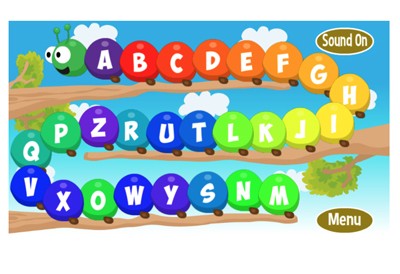
Description: The ABC-a-Pillar wants to learn the alphabet and the alphabet song! Re-arrange his segments so that the ABC song can be sung in its correct order. There are two skill levels. For ages 2-3, the letters show on each segment, and for ages 4-5 the letters do not show.
Alpha Switch - Online Game
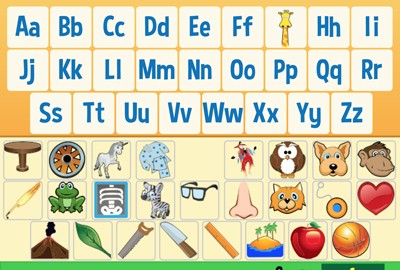
Description: This fun game requires kids to make letter charts by matching the picture with the first letter of its name.
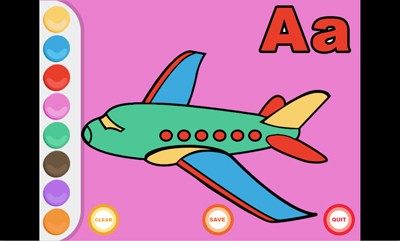
Alpha Poster - Make your own online letter poster
Description: This activity allows students to make their own letter posters by choosing and coloring pictures that start with each letter. Students can save their work at any time. The end-product poster prints out beautifully!
Alpha Poster Demonstration Video
Description: This video will show you how to use Alpha Poster
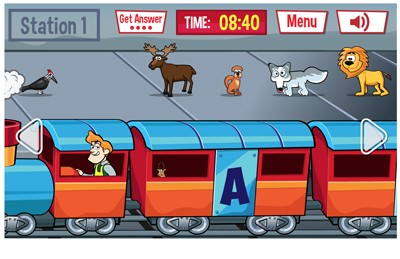
Alpha Train - Online Game
Description: You are the conductor of the alphabet train and it is your job to pick up the animals at their stops. Your train has12 cars the A, B, C, D, E, L, M, P, R, S, T, W cars. At each stop there are five or six animals that need to be directed to the correct car (because animals can’t read). For example, the eagle needs to be in the “e” car and the duck needs to be in the “d” car. There are six total stops and 40 total animals. Your job is to get as many animals in their correct cars as possible before you reach the train station. If you see an animal you don’t recognize, click on it and the answer will be revealed. You get four free answers per game!
Alpha Train Demonstration Video
Description: This video will show you how to use Alpha Train.
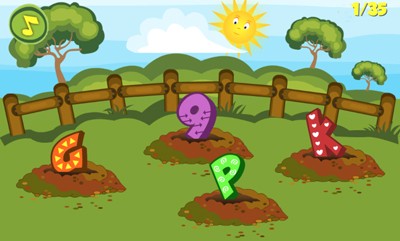
Bash a Letter or Number- Online Game
Description: Simply click "play." When you hear the voice call the name of a letter or number, bash the correct letter or number with your digital hammer. There are 35 rounds, one for each letter and number 1-9. At the end of the game, you can see which letters and numbers you need to practice. Get all 35 and earn your gold medal certificate.
Bash a Letter or Number Demonstration Video
Description: This video will show you how to play Bash a Letter or Number.
BDPQ Bandit - Online Game
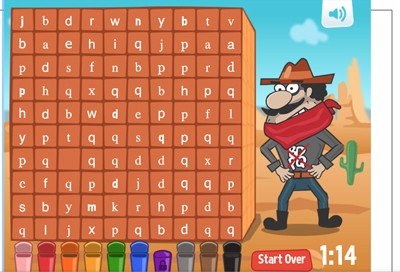
Description: Perfect for kids with letter reversal, this game helps to reinforce the identification of lower and upper-case Bs, D's, P's and Q's as students face off against an angry bandit trying to foil their efforts.
BDPQ Bandit - Instructional Video
Description: This video will show you how to play BDPQ Bandit.
Incredible Word Scramble
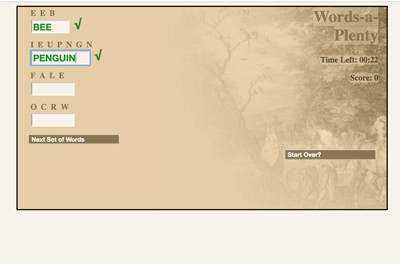
Description: This super fun game requires students to unscramble as many words as possible in three seconds. They can choose from nouns, animals, and geography, in easy or hard modes. Addictive! Classified under: ELA game, ELA games, spelling game, spelling games, vocabulary game, vocabulary games
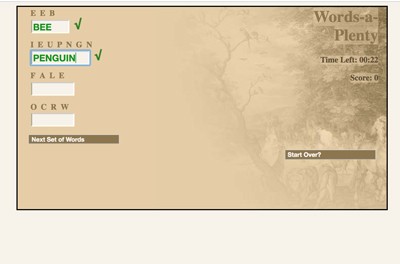
Incredible Word Scramble - Spanish Version (Palabras a Montones)
Description: This super fun game requires students to unscramble as many words as possible in three seconds. They can choose from nouns, animals, and geography, in easy or hard modes. Addictive!
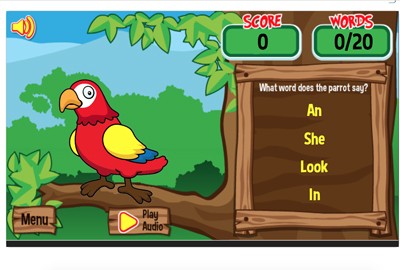
Polly - An Introduction to Two, Three, and Four-letter Words - Online Game
Description: Polly is a parrot that narrates words. When Polly says a word (in his parrot accent) the student must select the text version of the word fro four choices. Players can earn parrot friends for Polly by selecting correctly.
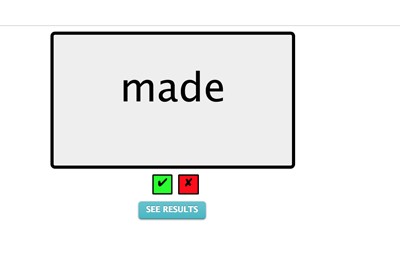
Sight Words - Online
Description: This cool program is designed to be used by a teacher and parents with a student or child. As the child reads each word that appears, simply check the green or red box for correct or incorrect. You can print a performance report at any time. Choose from a dozen different sight word lists and even make your own list that can be saved and used later.
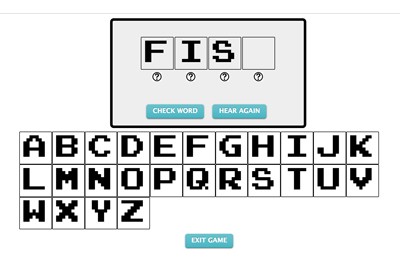
Sight Words Audible - Online
Description: n Sight Words "Audible," parents and teachers can choose from dolch words, first grade words, or second grade words. In this program, the sight words are narrated and the student must drag and drop the correct letters in the blank boxes to correctly spell each word. If a student gets stuck on a letter, he or she can click the question mark below the blank box and the program will narrow the choices to two letters. The program gives immediate feedback and students can exit at any time. Upon exit, parents can print out a report that indicates student performance during the session. This program is great for students who excel at reading sight words but need practice spelling them.
Sight Words Workshop Demonstration Video
Description: This video will show you how to use Sight Words Workshop
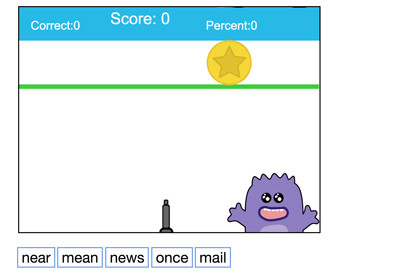
Fun Sight Word Games - From ComputerMice
Description: Need to practice counting with sight words? Fun Sight Word Games from Computer Mice is the perfect solution. You can practice sight words for any grade or level, or, enter your own words, by playing any of 15 embedded games including target practice games, ninja baby games, spinning wheel games, and many more. Look throughout our games, math, and language arts section for more games from Computer Mice soon.
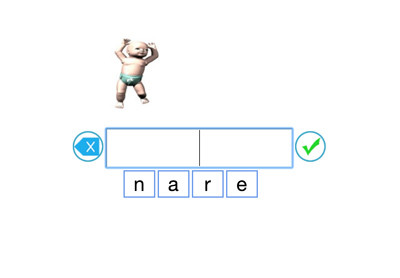
Fun Word Jumble - From ComputerMice
Description: Fun Word Jumble Games from Computer Mice allows you to jumble words from any word list, including your own list, and insert them into any of 15 embedded games including target practice games, ninja baby games, spinning wheel games, and many more. Look throughout our games, math, and language arts section for more games from Computer Mice soon.
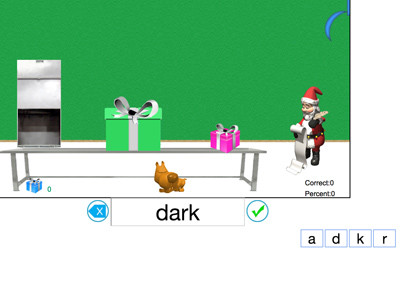
Fun Christmas-themed Sight Words - From ComputerMice
Description: You can decorate Christmas trees, fill stockings, deliver presents, drop presents in chimneys and much more, all while practicing sight words. Choose a word set or make your own! Look throughout our games, math, and language arts section for more games from Computer Mice soon.
Letter the Sky - Online Game
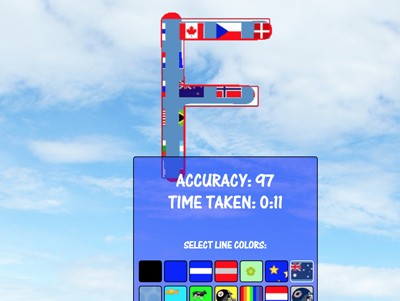
Description: n Letter the Sky, students draw letters using their touch screen or mouse. The game is outstanding practice for young writers as "smart" arrows guide each letter stroke in its correct order. Students can choose to write the entire lowercase or uppercase alphabets, or specific words or letters. Students can use different color "highlighter" strokes for each letter and the program determines accuracy by the number of times the student traces outside of the guidelines. All student letters (including alphabets)can be printed out on a single page.
R-Control Races - Online
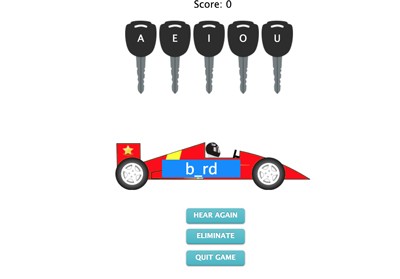
Description: This is a simple program designed to reinforce vowel identification in r-controlled words. Students must select the key that starts the race car. Each key is labeled with a vowel. The racecar features an r-controlled word with the vowel missing! This program is great for students who have trouble identifying the correct vowels in words such as “over,” “serve” and “purple” for example.
Sight Birds - Online Game
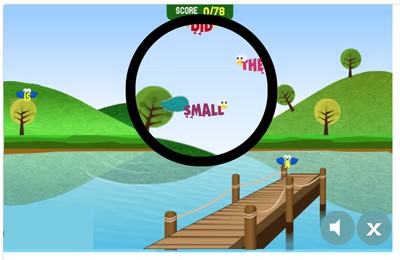
Description: This fun game requires students to identify the "sight birds" with their binoculars. When a sight word is narrated, students must use their binoculars to point to the correct winged word. The game includes up to 80 sight words. Students can print out a certificate that shows correctly and incorrect identified sight words.
Sound Garden - Online
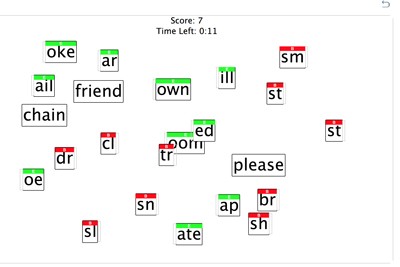
Description: Sound Garden is a great game for kids learning about the different sounds that make up words. Students must combine the beginning and ending parts randomly scattered on the screen to form words. Simply click on a word part and hear its sound. Combine it with another sound to form a word. Students can see how man words they can make in one or two minutes. The game can also be played without a timer.
Sound Garden Demonstration Video
Description: This video will show you how to use Sound Garden.

Spellerz - Customizable Online Spelling and Typing Game
Description: Spellerz is an application in which users can practice their spelling and typing. Users must save the world from invading “spellerz” by using their typing skills to type the words that flash on the screen. The user can choose from eleven different word lists and select the number of words to be included in the game. The time limit of the game is proportional to the number of words included. Teachers can also create their own words lists for students to use in the game. Simply click on “create your own invasion” type your words and click “save invasion.” You will then receive a code in which your students can enter to access the game with your word list. Please note words with apostrophes might cause problems in some browsers. Classified under: Spelling game, spelling games, vocabulary game, vocabulary games, typing game, typing games.
Spellerz Demonstration Video
Description: This video will show you how to use Spellerz.
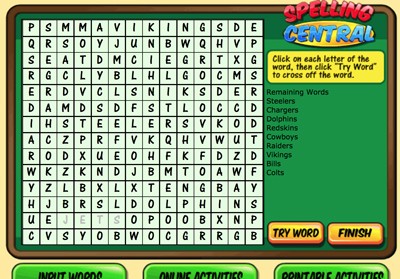
Spelling Central - Online Game
Description: This awesome resource allows students and teachers to create printable or online activities and games out of their spelling lists such as word searches, ABC order exercises, missing letter exercises, and word scrambles. You can now save your spelling lists.
Spelling Central Demonstration Video
Description: This video will show you how to use Spelling Central.
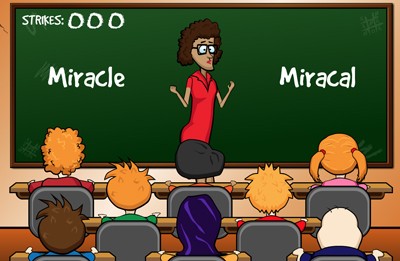
Torture the Teacher With Terrible Spelling!
Description: Torture your teachers by clicking on the INCORRECT spellings of the words that appear on the chalkboard! Try your hardest to make Mrs. Applecrab, Mrs. Cornpop, and Mr. Nussbaum resign by frustrating them so much with your poor spelling skills! It’s you versus the teachers! You will have the opportunity to make three teachers resign! Be careful though, it gets harder as you move from classroom to classroom as the teachers in later rounds have incredible patience! Classified under: Spelling game, spelling games, vocabulary game, vocabulary games
Torture the Teacher Demonstration Video
Description: This video will show you how to use Torture the Teacher

Two Letters - Online Game
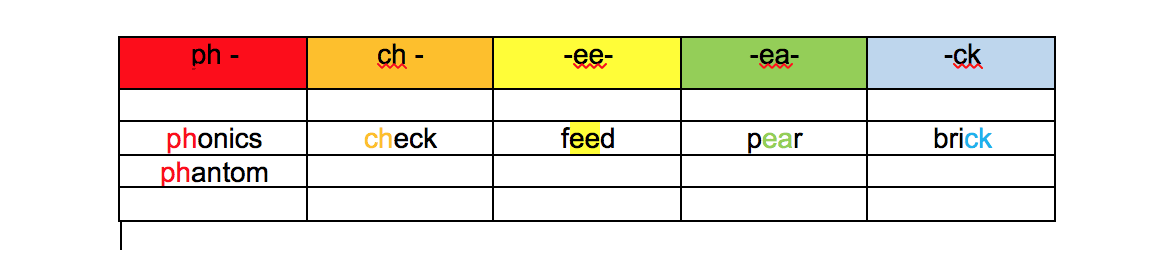
Description: This fun game reinforces digraphs and blends. Students must match the picture with its beginning sound.
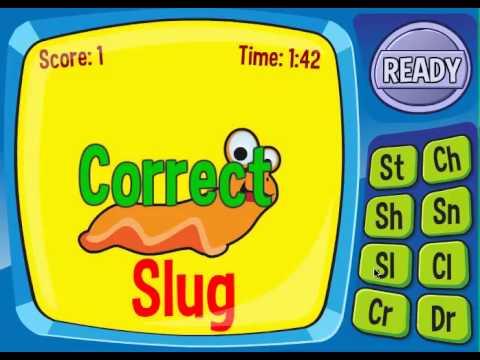
Two Letters Demonstration Video
Description: This video will show you how to play Two Letters
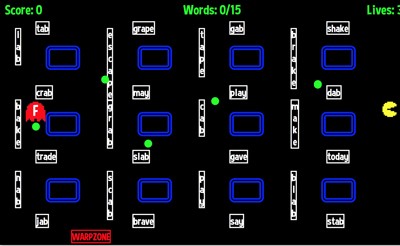
Vowel Sound Man - Online Game
Description: In this game, students must "eat" the words with the correct vowel sound while avoiding the deadly letter ghost. It's sort of like pac-man.
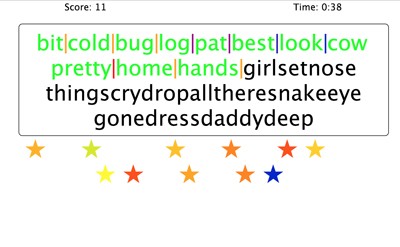
Word Blocks - Online
Description: In this fun activity, students must evaluate a block of letters and use the "divider stars" to divide them into 25 words as quickly as they can. Word lists for grades one through seven are available in addition to Dolch, Ayers, and commonly misspelled words.
Word Blocks Demonstration Video
Description: This video will show you how to use Word Blocks.
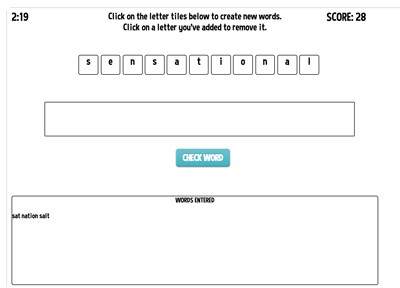
Word Ops - Online Game
Description: In Word Ops, players are presented with a word and have three minutes to make as many words from that word as possible. The longer the words you form are, the more points you get! You’ll have three minutes to play. If you can achieve 50 points, you’ll receive a bonus minute.
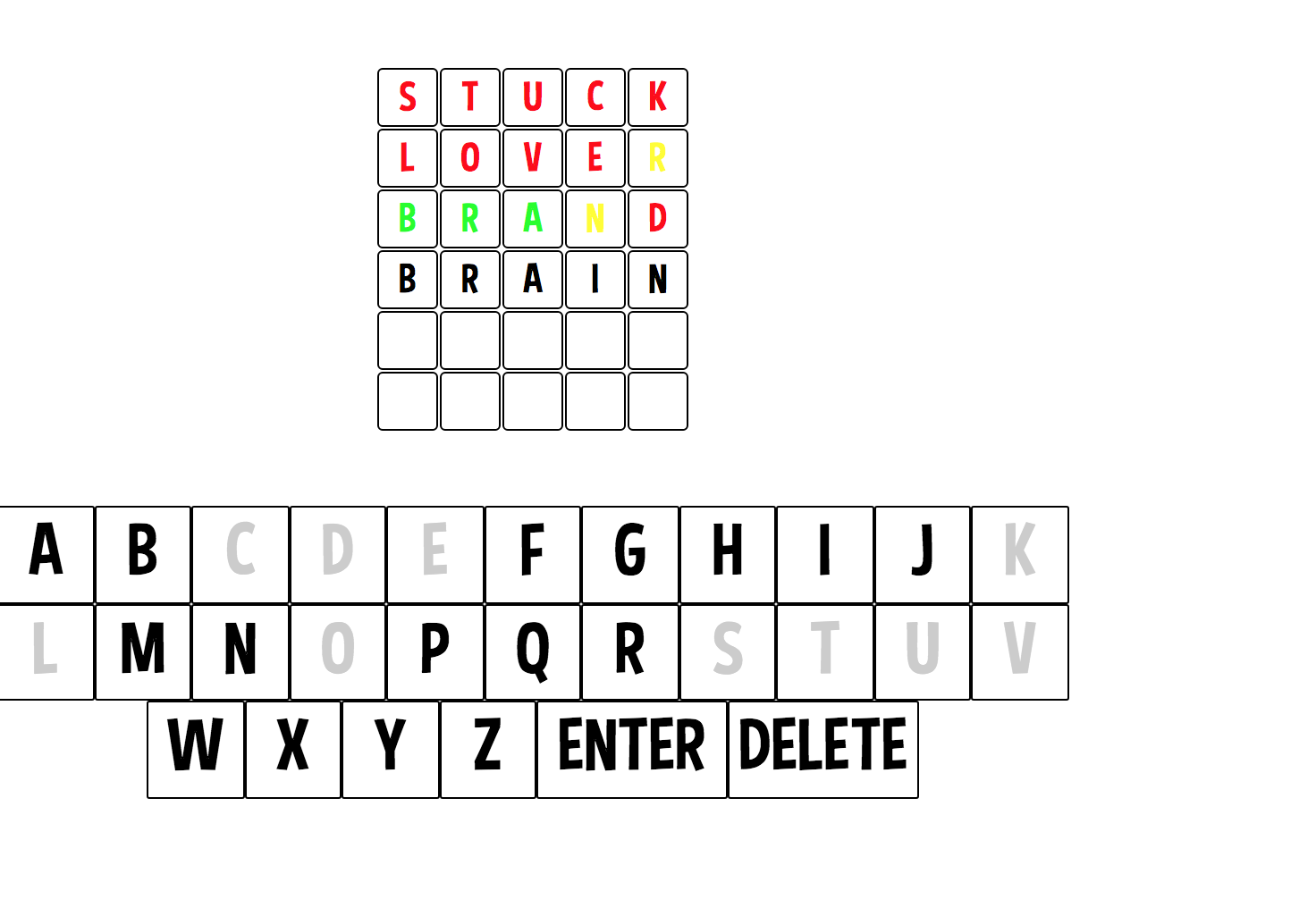
Make your own Wordle-like games with YOUR spelling lists
Description: This great game allows teachers to upload their word lists so students can solve Wordle-like puzzles. When a word list is uploaded, the system generates a code that teachers can give to their students.
Wordquake - Online
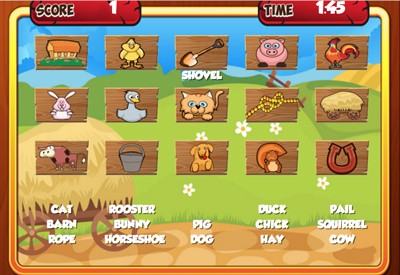
Description: Oh No! It’s a Wordquake! Drag and drop the labels that have been mixed up by the wordquake back to their correct pictures. Click or touch the green “ready” button when you want to start. There are two rounds. You have two minutes to complete each round.
Wordquake Demonstration Video
Description: This video will show you how to play Wordquake.
Word Pyramids - Online
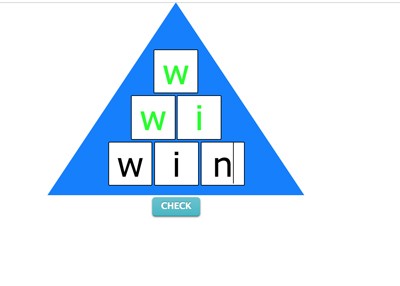
Description: Word Pyramids is a fantastic practice program that requires students to spell words in pyramid format. For example, "name" must be spelled n >> na >> nam >>> name. Each line of the pyramid is checked for accuracy. Students can choose from three different word lists: Dolch 220, first grade words, and second grade words. Words are narrated. Exit at any time and print out a performance report that includes all words successfully spelled and the time it took to spell them.
The Wrong Name Game - Online Game
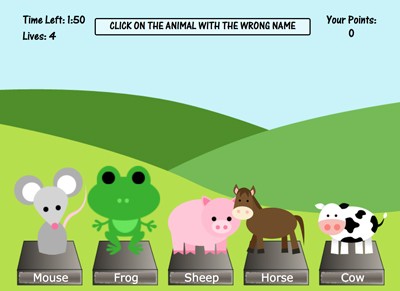
Description: This fun game requires students to select the farm animal with the wrong name that appears on each screen. On each screen, five animals will appear. Four will have the correct name (e.g. sheep, chicken) and one will be named incorrect (a cow might be labeled as a pig). Students have three minutes to identify as many misnamed farm animals as possible. Great sight word exercise.
Advertisement