Advertisement

Interactive Math Workshops and Simulators
This section includes powerful math workshops and simulators aligned to the Grade 2 Common Core Standards, including the popular Drag ' N' Drop Math, which makes long addition and subtraction easy. Students can even enter their own problems. All of these give immediate feedback.
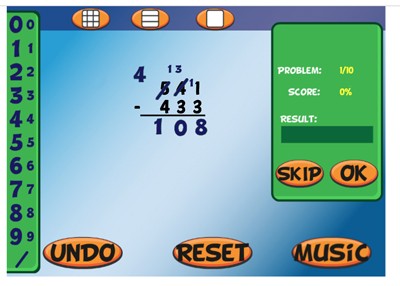
Drag 'N' Drop Math - Online
Description: Drag 'N' Drop Math is an online workshop in which students can easily complete multi-digit addition, subtraction (with regrouping), multiplication, and division problems, using big and small draggable numbers. The workshop is totally customizable and gives immediate feedback. This is one of the top ten most popular programs on mrnussbaum.com
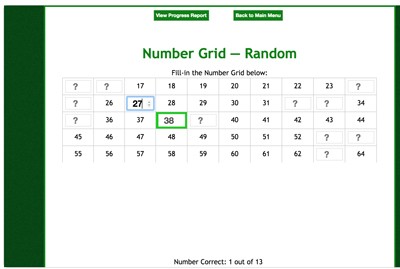
The Amazing Number Chart - Online
Description: The Amazing Number Chart is appropriate for kids ages 5 – 10. The Amazing Number Chart is a free online application for teachers, parents, and students, that reinforces counting, skip-counting, multiples, and number sense. Perfect for grades K-4, The Amazing Number Chart allows teachers to build, save, and deploy to students custom-made number charts that must be filled-in ONLINE according to their rules. No registration required! Simply build your number chart, click “save” and the system gives you a code to give to your students so they can complete your number chart.
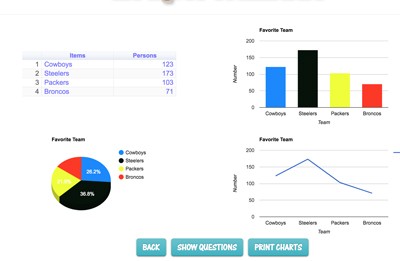
Graphmaster
Description: This is a powerful graphing program that allows students of all ages to create four different graphs on one page by entering data. The program displays four different interactive graphs: bar, line, pie, and frequency chart. The program also analyzes data and generates eight multiple choice questions about the data. It gives immediate feedback. This program is perfect for students taking classroom polls. Watch the demonstration video to learn more.

Place Value Workshop - Online
Description: In Place Value Workshop, students can explore the concept of place value in three different ways. First, in the "play" mode, students have five minutes to construct as many numbers as possible using the online base-10 blocks. The game starts off using basic numbers but progresses into tens, hundreds, and even thousands. Points are determined by the size of the number constructed. In the practice mode, users build numbers in the same way as the play mode but without a timer or scoring. In the "build" mode, students can make place value pictures. As they add base ten blocks to their picture, they’ll see the value of their picture increase.
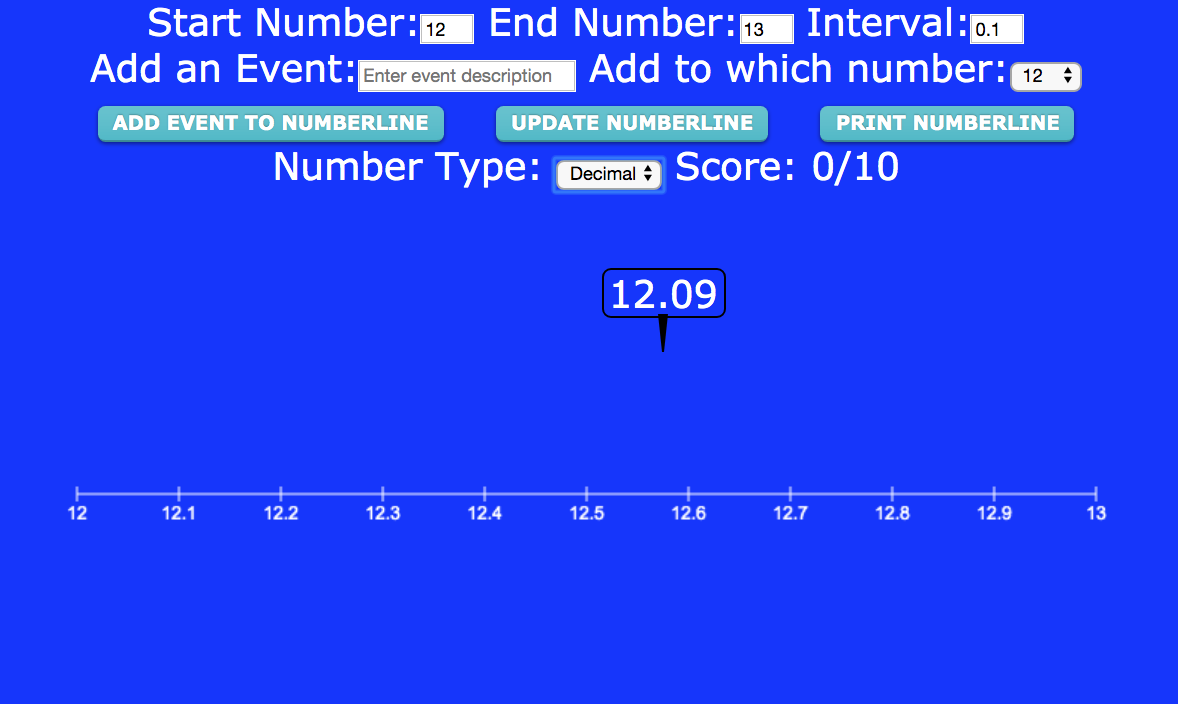
Number Line Workshop
Description: This awesome workshop enables students to practice number sense with a customizable number line that has options for whole numbers, fractions, and decimals Set the parameters and students must drag the random numbers, decimals, or fractions that appear . It can also function as a timeline maker!
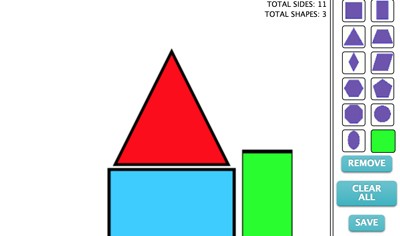
Shapes Workshop
Description: This fun workshop challenges students to create various shapes using the online geoboard. In play mode, it also allows students to build pictures using shapes.

Time Workshop and Time Pigs!
Description: This awesome resource allows students to explore an interactive clock. Students can customize the clock, fonts, and practice identifying the time in different skill levels, or, setting the time by moving the hands. It covers elapsed time, and time zones also. finally, kids can play Time Pigs when they're done practicing

Geometric Transformations Workshop
Description: This interactive Coordinate Plane Transformations Lab helps middle school students explore translations, reflections, rotations, and dilations on a coordinate plane. Students can practice transforming shapes, complete interactive quizzes, and watch step-by-step animated demonstrations that explain how each transformation changes coordinates. The activity includes guided learning tools, immediate feedback, and a downloadable week-long lesson plan aligned to Common Core standards, making it ideal for classroom instruction, independent practice, or review.
Advertisement