Advertisement

Common Core - Grade 3- Interactive Math Workshops and Simulators
This section includes powerful math workshops and simulators aligned to the Grade 3 Common Core Standards, including the popular Drag ' N' Drop Math, which makes long addition and subtraction easy. Students can even enter their own problems. All of these give immediate feedback.
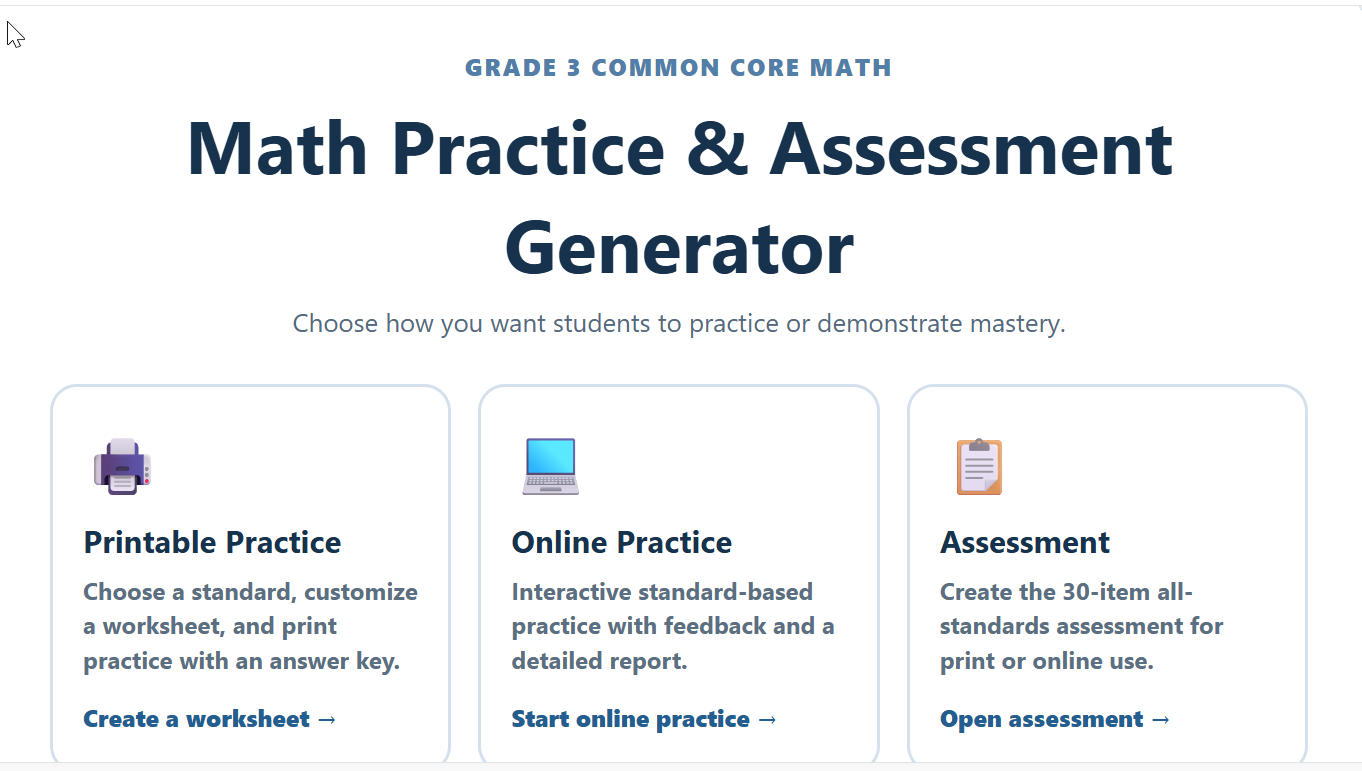
Grade 3 Common Core Testing and Practice Center
Description: The Grade 3 Common Core Math Practice & Assessment Generator gives teachers an easy way to create customized math activities aligned to individual Grade 3 Common Core standards. Choose from printable worksheets with answer keys, interactive online practice with detailed feedback, or comprehensive 30-question assessments covering all Grade 3 math standards. Activities include a variety of problem types and visual models, while online practice and assessments provide student scoring and performance reports organized by standard—making it easy to identify strengths and skills that need additional practice.
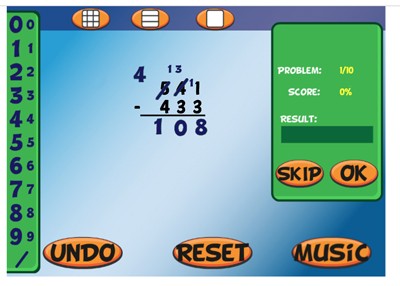
Drag 'N' Drop Math - Online
Description: Drag 'N' Drop Math is an online workshop in which students can easily complete multi-digit addition, subtraction (with regrouping), multiplication, and division problems, using big and small draggable numbers. The workshop is totally customizable and gives immediate feedback. This is one of the top ten most popular programs on mrnussbaum.com
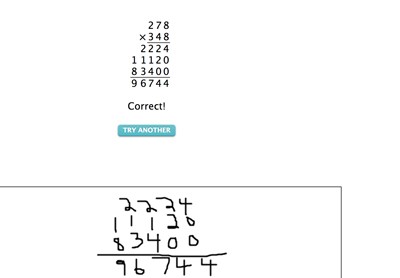
Multiplication Pal - Online Multiplication Simulation
Description: This amazing tools allows students to complete small or large multiplication, step-by-step, in an interview format. Students can even enter their own problem! This is a MUST try.
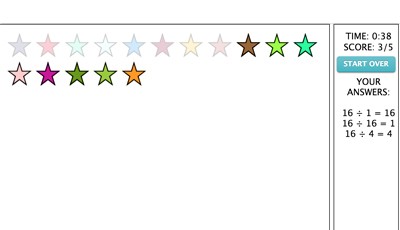
Envision Division - Online
Description: This program will help you to envision the concept of division. Choose a number and make as many division problems as possible from that number. Use the handy draw tool to make groups from stars. For example, if you were to choose 16, you would see 16 stars on the stage. Simply draw circles around four groups of four stars to make the problem 16 (divided by symbol) 4 = 4. See how long it takes you to divide 16 by as many numbers as possible that divide evenly. Print out your certificate when you are done. Watch the instructional video for more information.

Place Value Workshop - Online
Description: In Place Value Workshop, students can explore the concept of place value in three different ways. First, in the "play" mode, students have five minutes to construct as many numbers as possible using the online base-10 blocks. The game starts off using basic numbers but progresses into tens, hundreds, and even thousands. Points are determined by the size of the number constructed. In the practice mode, users build numbers in the same way as the play mode but without a timer or scoring. In the "build" mode, students can make place value pictures. As they add base ten blocks to their picture, they’ll see the value of their picture increase.
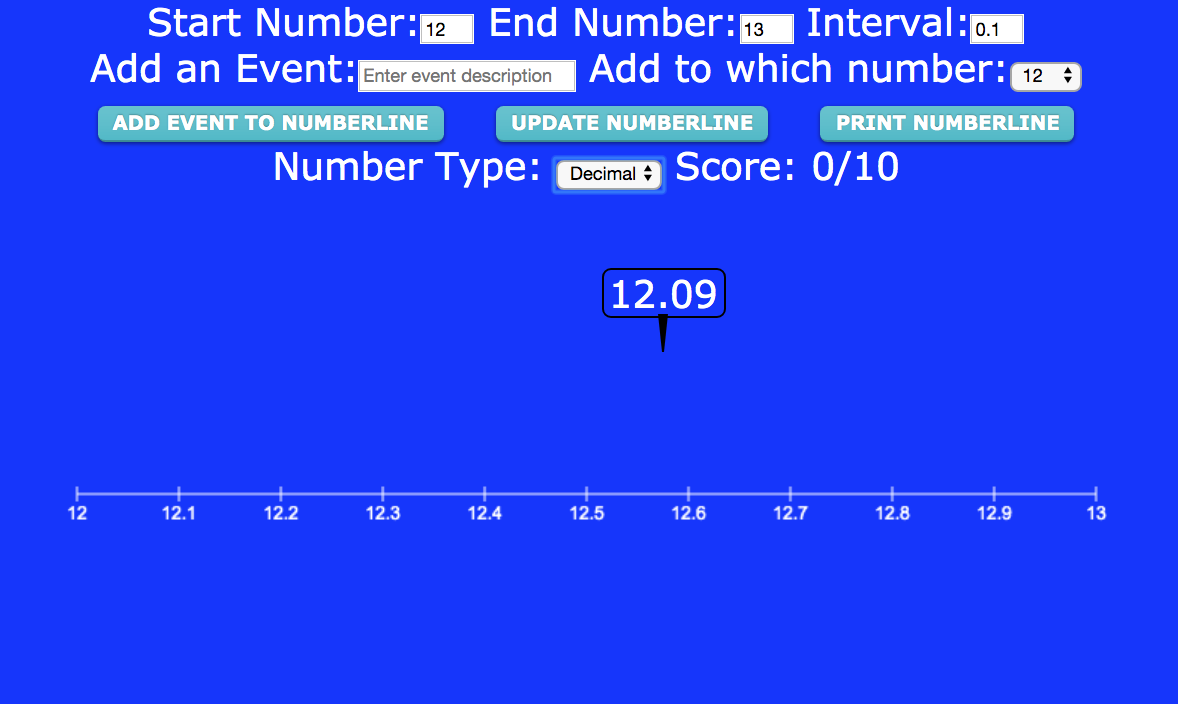
Number Line Workshop
Description: This awesome workshop enables students to practice number sense with a customizable number line that has options for whole numbers, fractions, and decimals Set the parameters and students must drag the random numbers, decimals, or fractions that appear . It can also function as a timeline maker!
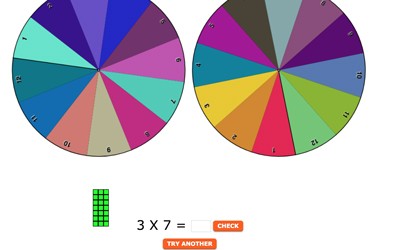
Math Machine - Visualizing Basic Operations
Description: Math Machine is a VISUAL tool for teaching addition, subtraction, multiplication, fractions, division, or place value. Students are empowered by spinning wheels that determine numbers in the problems! See instructional video for more information.
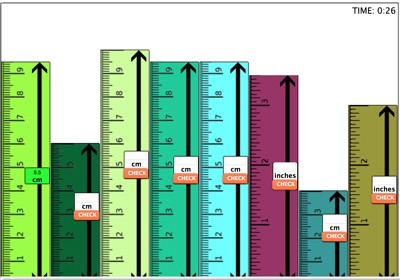
Measurement Workshop - Online
Description: Measurement Workshop is a great program for learners of all grade levels. In the "build" mode, users build cities out of metric or imperial (standard) rulers which can be resized, colored, and dragged around the stage to form a ruler city. In this mode, users can compare the relationship between inches and centimeters. In the "play mode" the city is randomly formed by the program and users must determine each building’s length in inches or centimeters. Users can choose from four different measurement skill levels: Whole Numbers (where "buildings" measure in inches or centimeters to whole numbers), whole numbers and halves (where "buildings" measure in inches or centimeters to whole numbers or whole numbers and halves, decimals (where "buildings" measure in inches or centimeters to decimals) and fractions (where "buildings" measure in inches or centimeters to fractions.)

Time Workshop and Time Pigs!
Description: This awesome resource allows students to explore an interactive clock. Students can customize the clock, fonts, and practice identifying the time in different skill levels, or, setting the time by moving the hands. It covers elapsed time, and time zones also. finally, kids can play Time Pigs when they're done practicing
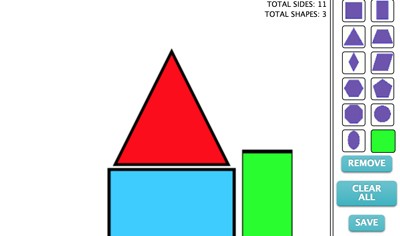
Shapes Workshop
Description: This fun workshop challenges students to create various shapes using the online geoboard. In play mode, it also allows students to build pictures using shapes.
Advertisement